10 Essential Accounts Payable Best Practices for 2025
Accounts payable is more than just paying bills; it’s the financial engine of your business, directly impacting cash flow, vendor relationships, and your bottom line. In an environment of tight margins and high supplier expectations, a disorganized or inefficient AP department can quickly leak cash, strain critical partnerships, and create significant compliance risks. Moving from a manual, paper-based process to a streamlined, automated system is no longer a luxury, it's a strategic necessity for competitive advantage.
This guide moves beyond generic advice to provide a prioritized, actionable roadmap of accounts payable best practices designed for modern SMBs and growing finance teams. We will deliver a comprehensive roundup of proven strategies that transform your AP function from a reactive cost center into a proactive, strategic asset. By implementing these practices, you can dramatically reduce invoice processing costs, mitigate fraud risks through robust controls, and unlock new opportunities for significant savings and operational growth.
You will learn how to:
- Automate core tasks like invoice capture and data extraction.
- Strengthen internal controls with three-way matching and approval workflows.
- Optimize cash flow through strategic payment timing and early payment discounts.
- Enhance vendor management with centralized data and clear communication.
- Measure success by tracking key performance indicators (KPIs) and leveraging API integrations for real-time insights.
This listicle provides the blueprint to build a world-class accounts payable operation, giving you the tools to enhance accuracy, improve efficiency, and drive tangible financial results for your organization.
1. Automate Invoice Capture and Data Extraction
Manual data entry is one of the biggest bottlenecks in any accounts payable workflow. It’s not only time-consuming but also highly susceptible to human error, leading to payment delays, inaccurate financial records, and strained vendor relationships. Automating invoice capture and data extraction is a foundational accounts payable best practice that directly addresses these challenges by replacing manual keying with intelligent, technology-driven processes.
This involves using specialized software to automatically scan and digitize paper invoices or ingest digital files like PDFs and emails. Advanced Optical Character Recognition (OCR) and AI-powered document recognition technologies then identify and extract crucial data points. This includes vendor names, invoice numbers, dates, purchase order numbers, line-item details, and total amounts, converting unstructured documents into structured, usable data for your accounting system.
Why It's a Top Priority
The primary benefit is a massive reduction in manual processing time. A task that once took several minutes per invoice can be completed in seconds, freeing up your AP team to focus on more strategic activities like exception handling, vendor analysis, and cash flow management. This directly translates to lower processing costs and improved operational efficiency.
For example, a mid-sized manufacturing firm processing over 500 invoices per month can use an API-driven solution like ExtractBill to automatically pull invoice data into their ERP system. This eliminates data entry, reduces the risk of duplicate payments, and accelerates the entire approval workflow from days to hours.
How to Implement It
- Start with a Pilot Program: Identify a few high-volume, standardized vendors and run a pilot project. This allows you to test the technology, measure the accuracy rates, and build a strong business case for a wider rollout by demonstrating a clear return on investment.
- Establish Quality Checks: While AI is highly accurate, it's not infallible. Implement a brief human review step for extracted data, especially for new vendors or unusually formatted invoices, before the information is pushed to your accounting system for payment authorization.
- Use Webhooks for Real-Time Automation: Configure webhooks to receive instant notifications when a document is processed. This enables you to trigger subsequent actions automatically, such as initiating an approval workflow or flagging an invoice for review, creating a seamless, event-driven process. For a deeper dive into this technology, you can explore more on how a receipt OCR API can power automated expense reports.
2. Implement Three-Way Matching (PO-Invoice-Receipt)
Paying an invoice without proper validation is like handing over cash without checking the price tag. It opens the door to overpayments, fraudulent bills, and paying for goods or services you never actually received. Implementing a three-way matching process is a fundamental accounts payable best practice that creates a powerful internal control, ensuring you only pay for what you ordered and what was delivered.
This critical verification step involves cross-referencing three key documents: the Purchase Order (PO) created by your team, the vendor’s invoice, and the goods or services receipt note. An invoice is only approved for payment when the details on all three documents align, including item descriptions, quantities, and prices. This systematic check confirms the legitimacy and accuracy of every payment before it leaves your bank account.
Why It's a Top Priority
The core benefit of three-way matching is robust fraud prevention and cost control. It systematically eliminates the risk of paying for incorrect shipments, duplicate invoices, or unauthorized purchases, directly protecting your company's cash flow. It transforms the AP function from a simple payment processor into a strategic checkpoint that safeguards company assets.
For example, a manufacturing firm can use this process to reconcile component invoices against production receipts and initial purchase orders. If an invoice lists 1,000 units but the receiving dock only logged 950, the system automatically flags the discrepancy. This prevents overpayment and initiates a vendor query, saving significant costs over time and improving supply chain accuracy.
How to Implement It
- Standardize Data for Matching: Use an automated data extraction tool like ExtractBill to convert unstructured invoice data into structured JSON. This standardized format is essential for feeding information directly into a rules engine that can perform the matching against PO and receipt data accurately and instantly.
- Set Tolerance Thresholds: To prevent minor, acceptable discrepancies from creating unnecessary work, establish tolerance levels. For instance, you might automatically approve invoices with a price variance of ±2% or a quantity difference of one unit, streamlining the process while flagging major issues.
- Establish a Clear Exception Workflow: Not every invoice will match perfectly. Define a clear, documented procedure for handling exceptions. This should outline who is responsible for investigating discrepancies, how to communicate with vendors, and the steps required to resolve the issue and secure payment approval.
3. Centralize Invoice and Document Management
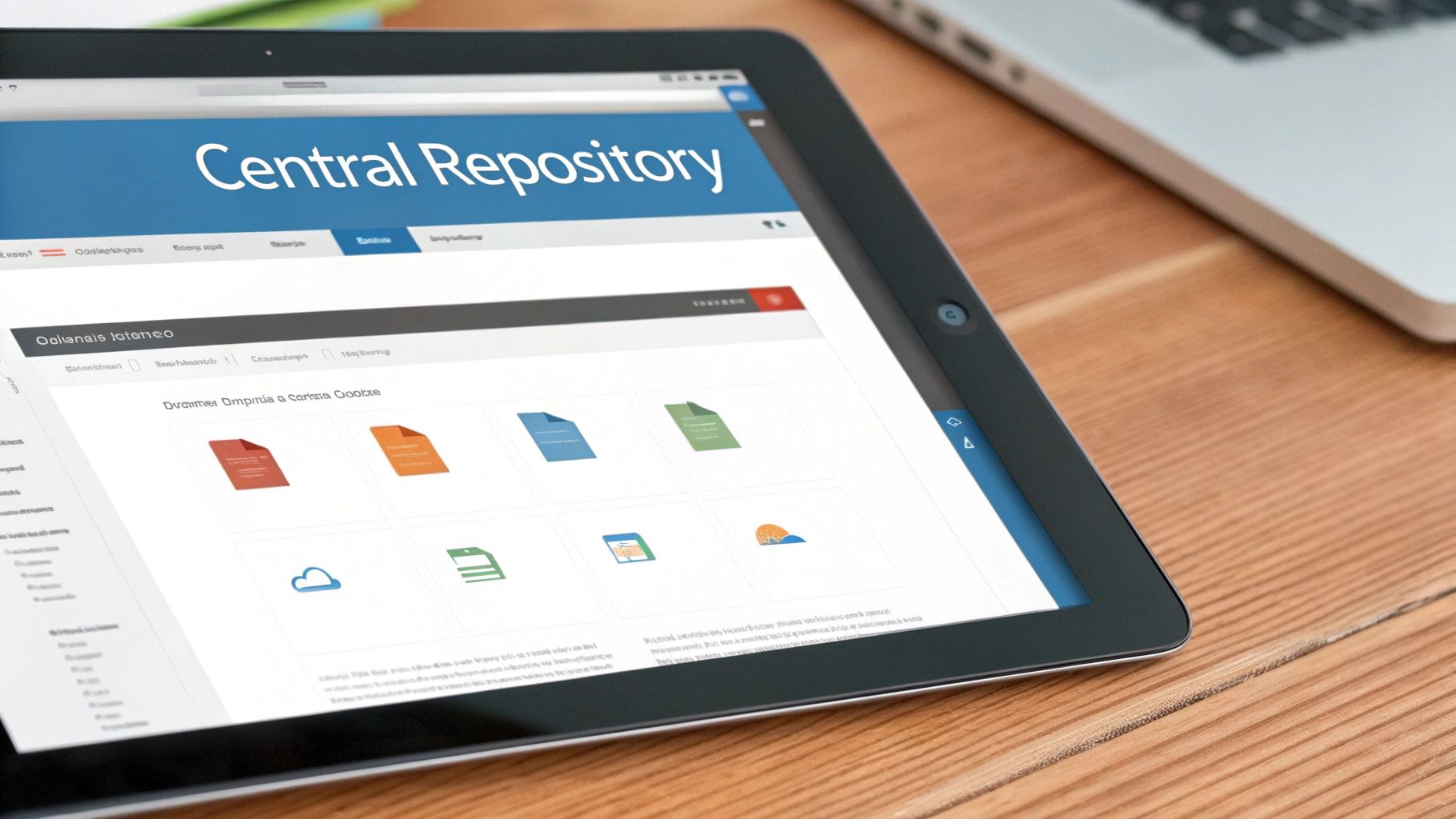
A decentralized, paper-based filing system is a direct path to chaos in accounts payable. When invoices, receipts, and supporting documents are scattered across physical cabinets, email inboxes, and individual employee desktops, the risk of lost paperwork, duplicate payments, and audit nightmares skyrockets. Centralizing all AP-related documents into a single, searchable digital repository is a crucial accounts payable best practice that creates a single source of truth for your entire finance team.
This approach involves consolidating every invoice, purchase order, receipt, and contract into a secure cloud-based or on-premise document management system. By doing this, you eliminate physical storage needs, ensure that every team member is working from the most current information, and provide a clear, auditable trail for every transaction from receipt to payment.
Why It's a Top Priority
The most significant benefit is the drastic reduction in time spent searching for documents. Instead of manually digging through files, staff can instantly retrieve any document with a simple keyword search. This enhanced visibility and control simplifies exception handling, accelerates approval workflows, and makes month-end closing and external audits significantly smoother and less stressful.
For instance, a nonprofit organization managing multiple grants can centralize all grant-related receipts and vendor invoices. When an audit occurs, they can instantly pull all relevant documentation for a specific grant period or vendor, demonstrating compliance and fiscal responsibility without the frantic scramble to locate paper records.
How to Implement It
- Establish a Clear Structure First: Before migrating documents, define a standardized naming convention and folder structure. A logical system (e.g.,
VendorName_Invoice#_Date) prevents the digital repository from becoming as disorganized as the old filing cabinets. - Leverage OCR for Searchability: Use an OCR-powered tool to extract key data points (vendor, amount, date) from each document upon upload. This data acts as metadata, making every file fully indexed and searchable, transforming static images into dynamic, usable information. To learn more about how this works, you can explore the powerful features of automated data extraction.
- Set and Automate Retention Policies: Configure your system to automatically manage document lifecycles based on regulatory requirements. For most financial records, this involves setting a retention period of at least seven years, after which documents can be securely archived or deleted to ensure compliance and manage storage costs.
- Implement Robust Security Protocols: Define role-based access permissions to ensure team members can only view or edit documents relevant to their responsibilities. Complement this with automated backups and a clear disaster recovery plan to protect your critical financial data from loss or unauthorized access.
4. Establish Vendor Master Data and Invoice Matching Rules
An inaccurate or poorly managed vendor master file is a primary source of payment errors, compliance risks, and potential fraud. Establishing a centralized, accurate vendor master file and defining clear invoice matching rules are critical accounts payable best practices. This involves creating a single source of truth for all vendor information, including legal names, tax IDs, payment terms, and bank details, and using this data to systematically validate incoming invoices.
This process ensures that every invoice is automatically checked against pre-approved vendor data before it enters the payment workflow. When combined with automated data extraction, structured information like vendor names and tax IDs can be systematically validated, flagging discrepancies instantly. This structured approach moves vendor management from a reactive, manual task to a proactive, automated control.
Why It's a Top Priority
A clean vendor master file is your first line of defense against duplicate payments and fraudulent invoices. It ensures payments are sent to the correct entity and bank account, mitigating financial loss. Furthermore, well-defined matching rules, such as a three-way match between the purchase order, goods receipt note, and invoice, accelerate the approval process by automating validation for compliant invoices, leaving only exceptions for manual review.
For instance, a healthcare system managing thousands of suppliers can use a robust vendor master to prevent fraudulent billing from shell companies. By validating every invoice against pre-verified vendor tax IDs and bank details, they significantly reduce the risk of unauthorized payments and ensure regulatory compliance.
How to Implement It
- Implement a Formal Vendor Onboarding Workflow: Create a standardized process for adding new vendors that includes mandatory verification steps. This should involve collecting and validating a W-9 form, confirming bank details through a secure method, and assigning default payment terms before the first invoice is ever processed.
- Define and Automate Matching Rules: Configure your accounting system or AP automation software to perform automated matching. Set rules such as an exact match for the purchase order number, a 2% tolerance for total amount discrepancies, and a strict match on vendor name and tax ID.
- Schedule Regular Audits: Conduct monthly or quarterly audits of your vendor master data. Use this time to identify and merge duplicate vendor profiles, deactivate inactive suppliers, and update outdated contact or banking information to maintain data integrity.
- Use Structured Data for Validation: Leverage an API like ExtractBill to pull standardized vendor data from invoices in a structured JSON format. This clean, predictable data can be fed directly into your system to automatically validate against the master file, flagging mismatches without manual intervention.
5. Accelerate Payment Processing with Early Payment Discounts
Failing to capture early payment discounts is like leaving money on the table. Terms like "2/10 Net 30" offer a significant reduction in cost of goods sold for paying an invoice just a few weeks early. However, manual, slow approval processes often mean these valuable discount windows close before the AP team can even process the invoice, let alone pay it. One of the most impactful accounts payable best practices is to systematize the capture of these discounts through automation.
This strategy involves using technology to instantly identify discount terms upon invoice receipt and fast-track those invoices through the approval and payment cycle. By automating invoice capture and workflow routing, you create the necessary speed to evaluate and act on these opportunities. This transforms the AP department from a cost center into a strategic function that actively improves the company's bottom line.
Why It's a Top Priority
The primary benefit is direct cost savings that contribute straight to profitability. Capturing a 2% discount on a $10,000 invoice saves $200. Scaled across thousands of invoices, the financial impact is substantial. Furthermore, consistently paying vendors early strengthens relationships, which can lead to better terms, priority service, and greater partnership flexibility in the future.
For example, a mid-market distributor processing thousands of invoices can systematically capture 2% discounts on 60% of their annual spend, resulting in six-figure savings. Similarly, a manufacturing firm can save over $500,000 annually by prioritizing invoices with favorable discount terms, directly boosting their net profit margin without any change in sales.
How to Implement It
- Automate Term Extraction: Use an intelligent data extraction tool like ExtractBill to automatically identify and flag invoices with early payment discount terms. This ensures no opportunity is missed due to manual oversight during data entry.
- Prioritize Discount Invoices: Create a separate, expedited approval workflow for invoices that offer a discount. Set up automatic alerts for approvers when an invoice is nearing its discount deadline to ensure timely action.
- Build a Discount Scoring Model: To decide which discounts to take, calculate the annualized return: (Discount % / (Full Payment Period - Discount Period)) × 365. A "2/10 Net 30" offer provides a 36.5% annualized return, making it a highly attractive use of cash.
6. Implement Approval Workflows and Authorization Controls
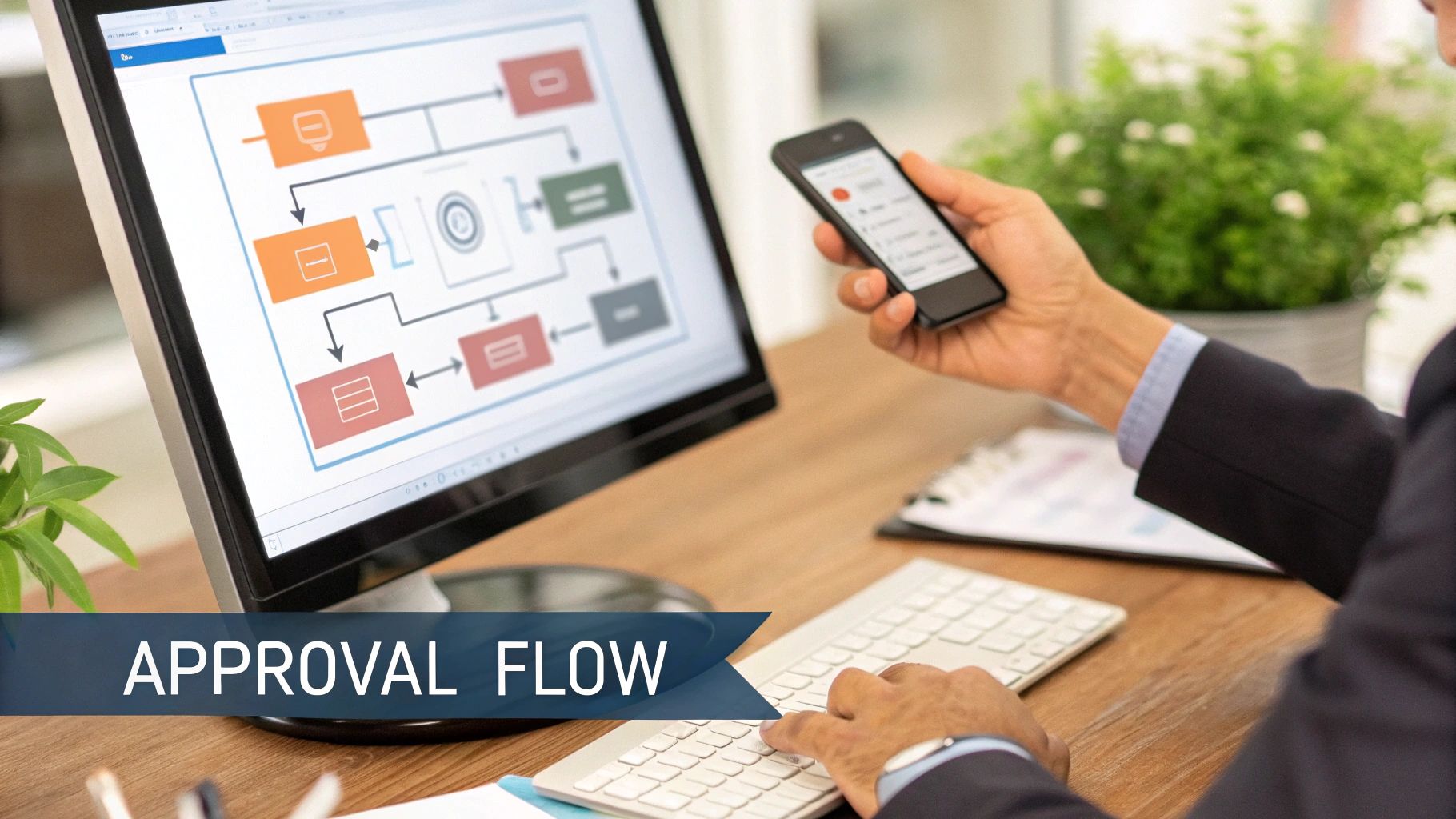
Leaving invoice approvals to informal emails or verbal confirmations creates significant risk, leading to unauthorized spending, potential fraud, and a complete lack of audit trails. One of the most critical accounts payable best practices is establishing structured approval workflows and clear authorization controls. This involves designing a formal process that dictates how invoices are routed, reviewed, and approved before payment is issued, ensuring every dollar spent is properly vetted.
These workflows are built on predefined rules that route invoices to the correct individuals based on data like department, cost center, project code, or invoice amount. By formalizing this process, you create a system of checks and balances that enhances financial governance and control. When combined with automated data extraction, this system becomes highly efficient, as software can instantly read an invoice and trigger the appropriate approval chain without manual intervention.
Why It's a Top Priority
The primary benefit is a drastic reduction in the risk of fraudulent or erroneous payments. Structured workflows enforce segregation of duties, meaning the person who enters an invoice cannot be the same person who approves it for payment. This control is fundamental to preventing internal fraud. Furthermore, it accelerates the payment cycle by eliminating confusion over who needs to approve what, preventing invoices from getting stuck in limbo.
For instance, a multi-department enterprise can configure its AP system to automatically route any marketing-related invoice under $5,000 to the Marketing Manager. If the invoice exceeds $5,000, it automatically gets escalated to the CMO for a second level of approval. This ensures proper oversight without creating unnecessary bottlenecks for routine expenses.
How to Implement It
- Define Clear Authorization Limits: Document a clear policy that specifies who can approve expenditures up to certain monetary thresholds. Base these limits on roles, departments, and vendor categories to ensure approvals are handled by the appropriate level of management.
- Leverage Automated Routing: Use the structured data extracted from invoices to drive your workflow. A tool like ExtractBill can identify the vendor and line-item details, then automatically categorize the invoice and forward it to the designated approver in your accounting software, eliminating manual routing.
- Implement Escalation and Dual-Approval Rules: Set up automated reminders for pending approvals and establish escalation rules if an invoice is not reviewed within a set timeframe (e.g., 48 hours). For high-risk payments, such as those to new vendors or invoices with large, round-dollar amounts, require dual approval from two different managers.
- Enable Mobile Approvals: Delays often happen when approvers are away from their desks. Provide a system that allows managers to review and approve invoices directly from their mobile devices to keep the process moving and prevent payment delays.
7. Reconcile and Monitor Accounts Payable Aging
Failing to monitor what your business owes and when it's due is a direct path to cash flow problems and damaged vendor relationships. Accounts payable aging is the process of categorizing outstanding vendor invoices by the length of time they have been unpaid. Regularly reconciling and analyzing an AP aging report is a critical accounts payable best practice that provides a clear snapshot of your liabilities, helps identify payment bottlenecks, and enables strategic cash management.
This involves generating a report that buckets invoices into specific time frames, such as 0-30 days, 31-60 days, 61-90 days, and over 90 days. This segmentation allows the AP team to quickly identify overdue payments, potential disputes, or internal process inefficiencies causing delays. It transforms accounts payable from a simple payment function into a strategic financial tool.
Why It's a Top Priority
Consistent AP aging analysis prevents small issues from becoming major liabilities. It helps you prioritize critical payments to avoid late fees, capture early payment discounts, and maintain a strong credit standing with suppliers. Furthermore, it serves as an essential diagnostic tool, highlighting recurring problems with specific vendors or internal approval delays that need to be addressed.
For example, a healthcare system can perform an aging analysis and discover a significant dollar amount in invoices over 60 days old, all stuck awaiting departmental approval for medical supplies. This data empowers them to address the specific approval workflow bottleneck, release payments, and prevent future supply chain disruptions.
How to Implement It
- Establish a Regular Cadence: Generate and review AP aging reports on a consistent schedule, either weekly or bi-weekly. This frequency allows you to catch and resolve issues before they escalate and impact vendor relationships.
- Investigate Older Invoices: Make it a standard operating procedure to investigate any invoice aging beyond 90 days. Determine the root cause, whether it's a pricing dispute, a missing purchase order, a lost invoice, or an internal error, and document the resolution path.
- Automate Report Generation: Leverage your accounting software to automate the creation of aging reports. For enhanced accuracy, use standardized data from an invoice extraction tool like ExtractBill to ensure all invoice dates and terms are captured correctly, feeding clean data directly into your aging analysis.
- Set Up Automated Alerts: Configure your system to send automated alerts to the AP team when an invoice surpasses a predefined aging threshold, such as 60 days. This proactive notification ensures that high-priority items receive immediate attention without manual oversight.
8. Adopt Straight-Through Processing (STP) for Low-Risk Invoices
While automation handles data entry, Straight-Through Processing (STP) takes efficiency to the next level by automating the approval and payment scheduling of certain invoices without any human intervention. This practice is crucial for scaling accounts payable operations, as it allows your team to stop touching every single invoice. Instead, they can focus their valuable time on managing exceptions, resolving disputes, and performing higher-value financial analysis.
STP relies on a set of predefined business rules programmed into your AP automation or ERP system. When an invoice is received and its data is extracted, the system automatically checks it against these rules. If the invoice meets all criteria-such as a perfect three-way match with a purchase order and goods receipt, falling below a certain dollar threshold, and coming from a trusted vendor-it is automatically approved and scheduled for payment.
Why It's a Top Priority
The primary benefit of STP is a dramatic acceleration of the procure-to-pay cycle. For high-volume, low-risk invoices like utility bills or office supply orders, it can reduce processing time from days to mere minutes. This not only frees up significant AP staff capacity but also strengthens vendor relationships by ensuring prompt, reliable payments and enabling you to capture more early payment discounts.
For example, a large retail chain processing thousands of standardized vendor invoices can implement STP to automatically clear over 80% of them. This allows their lean AP team to manage a massive transaction volume that would otherwise be impossible, ensuring shelf stock is never interrupted due to payment delays.
How to Implement It
- Define Clear STP Criteria: Start by establishing a strict set of rules. Common criteria include a verified vendor status, a perfect PO match (or a match within a set tolerance, like +/- 5%), an invoice amount below a predefined threshold (e.g., $1,000), and the absence of any exceptions or flags.
- Start with Low-Risk Categories: Begin your STP rollout with predictable, recurring invoices from trusted vendors, such as utilities, rent, or subscription services. This allows you to test and refine your rules in a controlled environment before expanding to more complex purchase orders.
- Monitor and Optimize Your STP Rate: Regularly track what percentage of your invoices are processed straight-through. A sustainable goal for many organizations is a 70-80% STP rate. Analyze the invoices that fail to identify opportunities for rule adjustments or vendor master file cleanup to maximize automation while maintaining strong financial controls.
9. Negotiate Favorable Payment Terms and Vendor Agreements
Your relationship with vendors should be a strategic partnership, not just a transactional one. Proactively negotiating payment terms, discount opportunities, and formal service level agreements (SLAs) is a critical accounts payable best practice that transforms the AP function from a cost center into a value driver. By leveraging data-driven insights, you can optimize cash flow, reduce costs, and build stronger, more reliable supply chains.
This process involves using your payment and invoice history to understand spend patterns and identify opportunities for improvement. Armed with this data, your AP and procurement teams can approach key suppliers to discuss terms that are more advantageous for your business. This could mean extending payment deadlines to improve working capital, securing discounts for early payments, or establishing volume-based pricing tiers to lower per-unit costs.
Why It's a Top Priority
The primary benefit is improved cash flow management. Negotiating longer payment terms, like moving from Net 30 to Net 60, gives your business more flexibility and time to use its cash for other operational needs. Simultaneously, securing early payment discounts (e.g., a 2% discount for paying within 10 days) can generate significant savings across your total spend, directly boosting your bottom line.
For example, a growing retailer can analyze its spend data and identify its top five suppliers. By negotiating Net 60 terms with them, it can better align its cash outflows with its sales cycles, freeing up crucial working capital. At the same time, it can secure a 1.5% early payment discount with a high-volume materials provider, saving thousands of dollars annually.
How to Implement It
- Analyze Spend Data First: Use your accounting system or a tool like ExtractBill to analyze historical invoice data. Identify high-volume vendors, frequently purchased items, and current payment cycle times to pinpoint your strongest areas of negotiation leverage.
- Benchmark Your Terms: Research industry standards for payment terms. Knowing what your peers are getting provides a solid foundation for your negotiation strategy and helps you make reasonable, data-backed requests.
- Prioritize and Document: Focus your efforts on strategic, high-spend vendors where new terms will have the biggest impact. Once an agreement is reached, ensure it is documented in a formal contract or addendum and schedule periodic reviews to ensure compliance and relevance.
10. Monitor Key Performance Indicators (KPIs) and Leverage API Integration for Automation
What you can't measure, you can't improve. Establishing and consistently tracking key performance indicators (KPIs) is fundamental to transforming your accounts payable department from a cost center into a strategic business function. This practice involves moving beyond basic transaction processing to analyzing performance data that reveals bottlenecks, inefficiencies, and opportunities for improvement.
The most effective approach combines KPI monitoring with API-driven automation. By integrating systems, you can ensure that the data feeding your dashboards is real-time, accurate, and standardized. This creates a powerful feedback loop where performance metrics directly inform and trigger automated workflows, enabling continuous process optimization. This is a crucial accounts payable best practice for teams focused on scalable growth and data-driven decision-making.
Why It's a Top Priority
Tracking KPIs provides objective visibility into your AP team's performance, helping you identify process weaknesses and demonstrate value to the wider organization. When paired with API integration, you move from reactive problem-solving to proactive, automated management. This synergy allows you to pinpoint exactly where delays occur, quantify the financial impact of inefficiencies, and automate the corrective actions.
For example, a mid-market retailer struggling with late payment fees can track its "Invoice Approval Cycle Time" and "Early Payment Discount Capture Rate." By using an API to feed invoice data from a tool like ExtractBill directly into their ERP, they can automate approval routing, dramatically reducing cycle time from 10 days to just 2 and increasing their discount capture from 20% to over 75%.
How to Implement It
- Define and Align Your KPIs: Start by identifying KPIs that align with your core business objectives, such as cash flow preservation or vendor relationship strength. Key metrics to track include Cost Per Invoice, Invoice Processing Cycle Time, Exception Rate, and Early Payment Discount Capture Rate.
- Establish a Reliable Data Baseline: Use a fast and accurate data extraction solution to create a trustworthy baseline for your metrics. Inaccurate manual data entry will skew your KPIs and lead to flawed conclusions. An API ensures the data is clean and consistent.
- Automate Data Flow with an API: Integrate your invoice capture software with your accounting system or ERP using a RESTful API. This eliminates manual data transfers and populates your KPI dashboards automatically. For detailed technical guidance, you can explore the ExtractBill API documentation to see how endpoints can be used for end-to-end automation.
- Review and Act on Insights: Schedule monthly or quarterly reviews of your KPI dashboards with the AP team. Use the trends and insights to celebrate wins, identify areas for process refinement, and set clear, data-backed goals for the next period.
Accounts Payable Best Practices — 10-Point Comparison
| Item | Implementation complexity | Resource requirements | Expected outcomes | Ideal use cases | Key advantages |
|---|---|---|---|---|---|
| Automate Invoice Capture and Data Extraction | Moderate — OCR/AI setup and tuning | OCR/AI service, integration, training, sample docs | Faster intake; high structured-data accuracy | High invoice volume; mixed paper/PDF sources | Large reduction in manual entry; scalable; audit trail |
| Implement Three-Way Matching (PO‑Invoice‑Receipt) | Moderate–High — integration across PO/GRN systems | PO/receipt data access, matching engine, rules | Fewer overpayments and mismatches; stronger controls | PO-driven procurement, manufacturing, retail | Prevents duplicate/incorrect payments; improved reconciliation |
| Centralize Invoice and Document Management | Low–Moderate — migration and access controls | Cloud/on‑prem storage, indexing/OCR, permissions | Rapid retrieval; fewer lost docs; version control | Distributed teams, multi‑location organizations | Searchable repository; compliance support; remote access |
| Establish Vendor Master Data and Invoice Matching Rules | High — data cleansing and governance required | Master data platform, validation tools, maintenance staff | Fewer duplicate payments; accurate vendor records | Large supplier networks; fraud‑sensitive environments | Reduces errors/fraud; faster approvals; consistent validation |
| Accelerate Payment Processing with Early Payment Discounts | Moderate — forecasting + approval workflows | Cash forecasting tools, payment integration, alerts | Captured discounts; lowered net costs; improved vendor terms | Firms with available cash; high discountable spend | Direct cost savings; stronger vendor relationships |
| Implement Approval Workflows and Authorization Controls | Moderate — role rules and escalation design | Workflow engine, role definitions, mobile approvals | Reduced unauthorized payments; clearer oversight | Multi‑department orgs, compliance-focused entities | Segregation of duties; faster routing; auditability |
| Reconcile and Monitor Accounts Payable Aging | Low–Moderate — reporting and GL integration | Accounting integration, dashboards, data feeds | Better cash visibility; prioritized payments; fewer surprises | Cash-constrained firms; high dispute volumes | Improves forecasting; flags bottlenecks and exceptions |
| Adopt Straight‑Through Processing (STP) for Low‑Risk Invoices | High — robust rules and data quality needed | Strong PO process, matching accuracy, monitoring tools | High automation rate; lower processing cost per invoice | High-volume routine suppliers (office, utilities) | Significant cost/time savings; frees staff for exceptions |
| Negotiate Favorable Payment Terms and Vendor Agreements | Low–Moderate — analysis and supplier engagement | Spend analytics, procurement resources, contract tools | Improved terms, extended DPO or discount capture | High-spend vendors; strategic supplier relationships | Lowers procurement costs; improves cash flow and SLAs |
| Monitor KPIs and Leverage API Integration for Automation | High — API, dashboards, metric governance | Developers, API/webhook infra, BI/dashboard tools | Real-time visibility; continuous process improvement | Scaling automation programs; data-driven finance teams | Data-driven decisions; seamless automation and monitoring |
Putting It All Together: Your AP Transformation Checklist
The journey from a reactive, paper-laden accounts payable department to a proactive, strategic financial hub is built on the foundation of consistent, well-executed best practices. We've explored ten critical areas, from automating invoice capture to leveraging APIs for KPI tracking. Each practice represents a powerful lever you can pull to increase efficiency, strengthen financial controls, and unlock strategic value. The common thread weaving through all these strategies is the move away from manual, error-prone tasks toward automated, data-driven workflows. This is the essence of modern accounts payable management.
Mastering these accounts payable best practices is not about simply processing invoices faster. It's about transforming a cost center into a source of valuable business intelligence. When you centralize document management, you create a single source of truth. When you implement three-way matching, you build a fortress against fraud and duplicate payments. When you negotiate better vendor terms and capture early payment discounts, your AP team directly contributes to the company's bottom line.
Your Actionable Roadmap to AP Excellence
Embarking on this transformation can feel daunting, but a structured approach simplifies the process. Instead of attempting a complete overhaul at once, focus on incremental improvements that deliver the highest impact. Use this checklist as your guide to prioritize and implement change effectively.
Phase 1: Build the Foundation (Weeks 1-4)
- Assess and Document: Map your current AP workflow from invoice receipt to payment. Identify the most significant bottlenecks, manual touchpoints, and sources of error. Is it data entry? Is it the approval process?
- Prioritize Automation: Start with the most repetitive, time-consuming task: invoice data entry. Implementing a solution for automated invoice capture and data extraction is the single most impactful first step. This provides the clean, structured data needed for all subsequent improvements.
- Centralize Your Documents: Establish a single, secure digital repository for all invoices, purchase orders, and receiving reports. This immediately eliminates lost documents and provides the visibility needed for effective management.
Phase 2: Strengthen Controls and Processes (Weeks 5-8)
- Implement Approval Workflows: Define and digitize your approval hierarchies. Ensure clear rules are in place for different invoice amounts, departments, and exception types.
- Establish Vendor Master Data: Cleanse and centralize your vendor information. Create a formal process for onboarding new vendors to prevent fraudulent or inaccurate data from entering your system.
- Introduce Three-Way Matching: Begin applying automated three-way matching for all PO-based invoices. This is a critical control for preventing overpayments and ensuring you only pay for what you ordered and received.
Phase 3: Optimize and Strategize (Weeks 9-12 and beyond)
- Define Your KPIs: Select 3-5 key performance indicators to track, such as Invoice Processing Time, Cost Per Invoice, and Early Payment Discount Capture Rate. Use these metrics to measure progress and identify areas for further optimization.
- Refine Payment Strategy: Analyze your payables aging report and vendor terms. Develop a strategic approach to payments that maximizes cash flow while capturing valuable early payment discounts.
- Explore Advanced Automation: With a solid foundation, you can now explore straight-through processing for trusted, low-risk vendors and leverage API integrations to connect your AP system with other financial platforms for seamless data flow.
By methodically progressing through these phases, you transform your accounts payable function from a tactical necessity into a strategic asset. Each step builds upon the last, creating a resilient, efficient, and intelligent operation that supports financial health and drives business growth. The ultimate goal is an AP department that spends less time on manual data entry and more time on strategic financial analysis.
Ready to automate the first and most critical step in your AP transformation? ExtractBill provides a powerful API for developers and finance teams to instantly capture and structure data from any invoice or receipt, laying the perfect foundation for implementing these accounts payable best practices. Learn more and start building for free at ExtractBill.
Ready to automate your documents?
Start extracting invoice data in seconds with ExtractBill's AI-powered API.
Get Started for Free