Convert PDF to JSON: A Practical Guide to convert pdf to json Data Extraction
If you’ve ever found yourself staring at a mountain of invoices, you know the pain. But the solution is surprisingly direct. When you convert a PDF to JSON, you’re not just changing a file format. You're transforming a static, unsearchable document into structured, machine-readable data.
This single change turns a manual bottleneck into a fully automated workflow, unlocking the power to instantly analyze spending, automate payments, and sync everything with your existing software.
Why Manual Data Entry Is Quietly Costing You a Fortune
The real cost of manual data entry isn't just about the hours your team spends typing. It's a silent drain on resources, a direct pipeline for expensive mistakes, and a major roadblock to growing your business.
Think about it. Every minute an employee spends keying in details from a supplier invoice is a minute they aren't spending on financial analysis, strategy, or finding ways to save money.
Imagine an accountant dedicating hours each week to copying line items from dozens of vendor PDFs into your ERP. This isn't just tedious; it's where errors are born. A single misplaced decimal or a mistyped invoice number can lead to overpayments, compliance headaches, and awkward conversations with suppliers. It’s a reactive process that keeps your business stuck playing catch-up.
The True Price of Inefficiency
As your business grows, the problem gets exponentially worse. What was once a manageable task for one person quickly snowballs into a full-time job for a whole team, creating a massive operational bottleneck.
All that critical financial data remains locked away in static files, completely useless for real-time analytics or forecasting. You can't spot spending trends or identify cost-saving opportunities when your data is scattered across hundreds of individual PDFs.
The real problem isn't the number of documents you have. It's the inability to access the valuable data trapped inside them. Manual entry builds a system that is slow, error-prone, and fundamentally unscalable.
This is what that tedious, soul-crushing process looks like in the real world—a perfect recipe for mistakes and wasted time.

The image says it all. It’s a process that automation was built to eliminate.
Making the Shift from Reactive to Proactive
Learning to convert PDF to JSON completely changes the game. Instead of just archiving documents, you start using the information inside them. This lets you build proactive, efficient systems that actually move your business forward.
The impact is huge. Companies that switch to automated PDF to JSON extraction report a mind-blowing 90% drop in processing time. For many accounting teams, that means getting back up to 20 hours per week for each employee. You can dig into more data on AP automation efficiency to see the full picture.
This isn't a small tweak. It's a complete overhaul of how you handle financial data.
Choosing the Right PDF to JSON Conversion Method
When you decide to convert PDF to JSON, you'll quickly realize that not all paths lead to the same destination. The method you choose directly impacts the accuracy, cost, and scalability of your entire workflow. Honestly, making the right call upfront comes down to understanding your documents and how much precision your business truly needs.
The jump from manual data entry to automated JSON conversion is a game-changer for efficiency. This simple decision tree shows why.
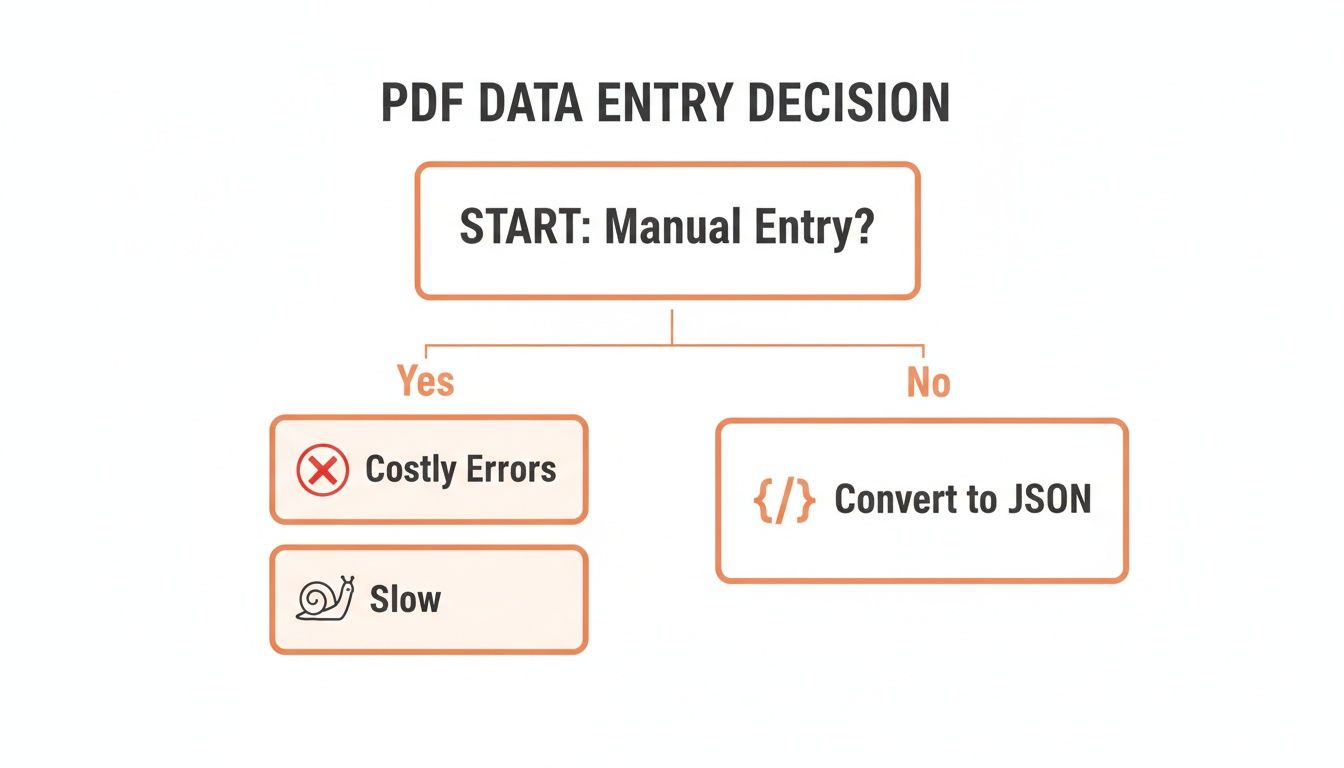
As you can see, automation is the clear winner for dodging costly errors and slow processing times. Let's break down the three main ways you can get this done.
The Three Main Approaches
Not all conversion tools are created equal. Your choice—from simple text parsing to sophisticated AI—will depend entirely on the types of PDFs you're handling.
Here’s a quick comparison of the three primary methods.
| Comparing PDF to JSON Conversion Methods | ||||
|---|---|---|---|---|
| Method | Best For | Accuracy | Handles Scanned PDFs? | Cost & Scalability |
| Text Parsing | Digitally-native PDFs with a fixed, simple layout (e.g., system-generated reports). | Low-Medium | No | Low cost, poor scalability. |
| Traditional OCR | Scanned documents where you can build and maintain templates for each specific layout. | Medium | Yes | High maintenance cost, limited scalability. |
| AI Vision | Any PDF type, especially varied and complex layouts like invoices from different vendors. | High | Yes | Pay-as-you-go, highly scalable. |
Ultimately, while text parsing and traditional OCR have their niche uses, AI Vision is the only approach that reliably handles the complexity and variety of real-world business documents without becoming a maintenance nightmare.
Simple Text Parsing
The most basic method involves using a library to just read the raw text layer embedded within a PDF. This works surprisingly well for "digitally native" PDFs—documents created directly from software like Word or an accounting system where the text is already structured and selectable.
If your source documents are always consistent, computer-generated reports with a simple, fixed layout, this could be a viable starting point. But it comes with some serious limitations.
- Scanned Documents: It fails completely with scanned PDFs or images. They have no underlying text layer to read.
- Complex Layouts: It gets lost trying to interpret tables, columns, or any data that isn't in a straight line.
- Positional Data: It often loses the all-important context of where the text is, making it a nightmare to associate a label (like "Invoice Number") with its value.
This approach is really only suited for internal, highly standardized documents where you have total control over how they're generated. For anything else, you'll hit a wall pretty fast.
Traditional Optical Character Recognition (OCR)
Traditional OCR is the next step up. It’s designed to "read" image-based PDFs by recognizing characters and turning them into machine-readable text. This technology was a huge leap, finally allowing businesses to start digitizing scanned invoices and receipts.
The catch? Older OCR systems are often rule-based. They lean heavily on templates and predefined zones to find specific data points. For instance, you might have to tell the system that the invoice total is always in the bottom-right corner of the page.
This template-driven model breaks down the second you get an invoice from a new vendor with a slightly different layout. The constant need to create and maintain templates for every document variation makes it totally impractical for businesses dealing with a diverse set of suppliers.
Traditional OCR also struggles to accurately parse complex tables with multiple columns or line items that span across pages. The extracted text often comes out as a jumbled mess, requiring a ton of post-processing to structure correctly.
Modern AI Vision APIs
Today, the gold standard for converting PDFs to JSON is the AI Vision API. Instead of just recognizing characters, these systems use advanced machine learning models to understand a document's structure and context, much like a person would.
An AI model doesn't need a template. It identifies fields by recognizing contextual clues—it just knows that the text next to "Total Due" is the total amount, no matter where it appears on the page. This is exactly why services like ExtractBill can achieve near-perfect accuracy on documents they've never seen before. You can find detailed guides on how to get started with this technology that make integration straightforward.
This modern approach gives you several massive advantages:
- High Accuracy: It correctly interprets varied layouts, complex tables, and even handwritten notes.
- No Templates: It completely eliminates the need for manual setup and maintenance for each document type.
- Scalability: It can process thousands of diverse documents without breaking a sweat or needing manual intervention.
The industry shift toward structured data is undeniable. A recent report found that by 2026, 85% of organizations will prefer JSON over CSV for API exchanges, simply because it cuts integration time by a whopping 70%. It's clear that getting your PDF data into clean, structured JSON isn't just a convenience—it's a competitive necessity.
How to Design a Practical JSON Schema
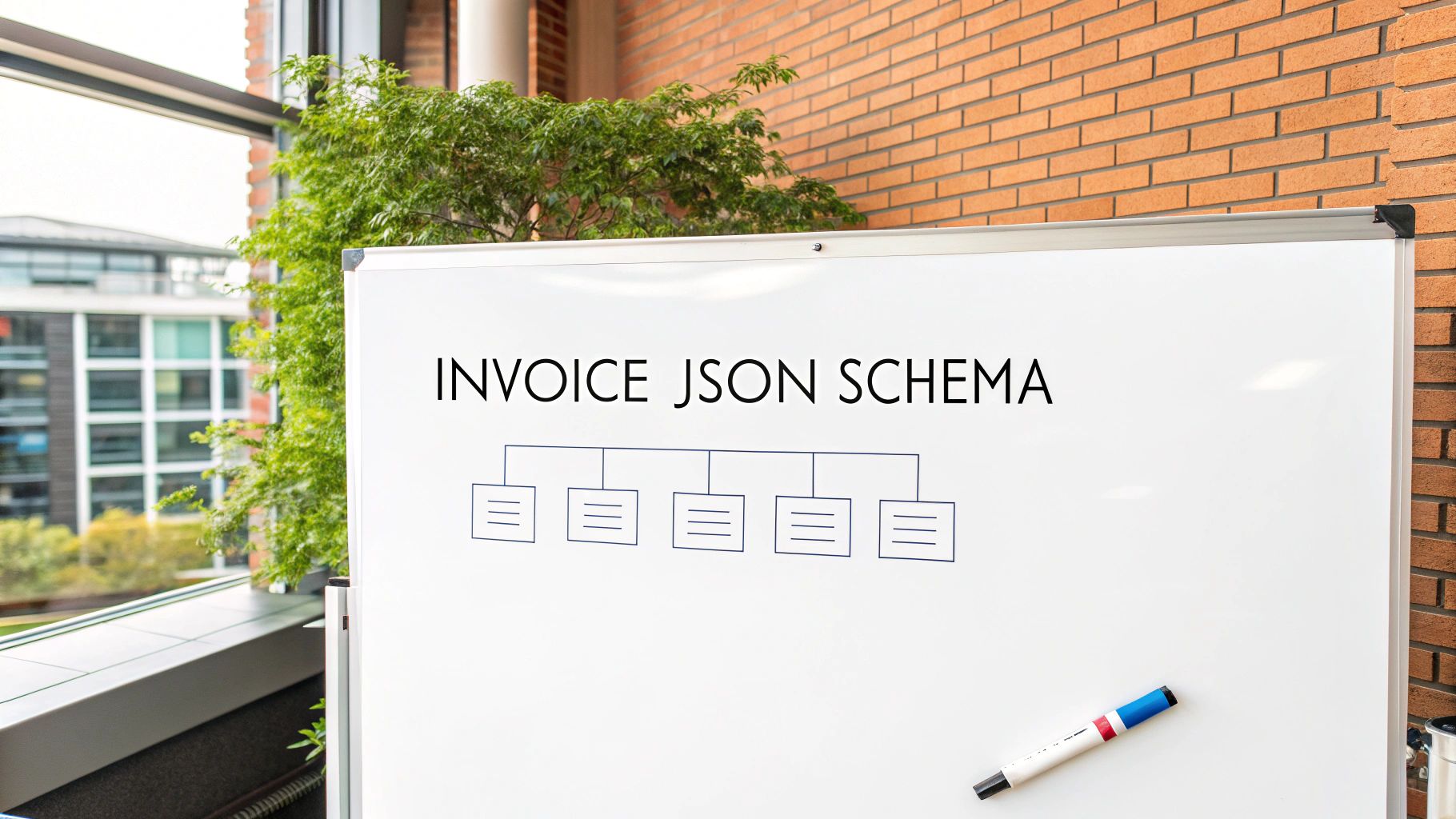
Pulling data out of a PDF is only step one. The real magic happens when you structure that data so your applications can actually use it. A solid JSON schema is your blueprint for turning a chaotic mess of text into a predictable, valuable asset.
Forget the academic, overly complex examples. A practical schema needs to be logical, scalable, and dead simple for both your developers and your software to read. Think of it as creating a standardized container for your invoice data. Every time a new PDF comes in, key details like the vendor name, total amount, and due date snap right into their designated slots.
This consistency is the bedrock of automation. It’s what lets you pipe data directly into your accounting software, fire up analytics dashboards, and trigger payment workflows without anyone lifting a finger. Without a good schema, you’re just creating a digital junk drawer.
Defining Your Core Fields
Let's start with the basics—the top-level stuff you'd find on virtually any invoice. These are the fields that give you a quick summary of the document. The goal here is to pick clear, descriptive names and the right data types to avoid headaches down the road.
A great starting point usually includes:
vendorName(String): The name of the company that sent the invoice.invoiceId(String): The unique invoice number, which can be alphanumeric.invoiceDate(String - ISO 8601): When the invoice was issued. Using theYYYY-MM-DDformat is non-negotiable for consistency.dueDate(String - ISO 8601): The payment deadline, also in that standard date format.totalAmount(Number): The final amount due. This must be a numeric type (like a float or decimal) for any kind of financial math.currency(String): The currency code, like "USD" or "EUR," following the ISO 4217 standard.
Nailing these fundamental fields creates a reliable foundation. That predictability is what makes robust automation possible.
Handling Nested Data and Line Items
This is where a lot of people get tripped up. Invoices aren't just a list of top-level facts; they contain tables of line items detailing every product or service. A flat JSON structure just can't represent this properly. The answer is a nested array of objects.
This is a seriously powerful technique. You create a top-level key, something like lineItems, which holds an array. Each element inside that array is its own JSON object, representing a single row from the invoice table.
A well-structured schema for line items is the difference between capturing just the invoice total and capturing the granular detail needed for inventory management, expense categorization, and deep financial analysis.
Each of these line item objects needs its own set of fields:
description(String): What was the product or service?quantity(Number): How many units were purchased?unitPrice(Number): What's the cost for a single unit?lineTotal(Number): The total for that row (quantity * unitPrice).
This nested structure keeps your data clean and perfectly mirrors the original PDF. It lets your code easily loop through each item to perform calculations or update inventory systems without any guesswork. To see a battle-tested, production-ready model for this, check out the official ExtractBill JSON Schema documentation.
Putting It All Together: From PDF to JSON with an API
Theory and schema design are great, but the real magic happens when you bring it to life with code. This is where we stop planning and start doing, using a REST API to fully automate the process to convert PDF to JSON. Think of an API as the middleman that lets your application send a PDF to a service like ExtractBill and get clean, structured data back in return.
The beauty of this approach lies in its simplicity and how easily it scales. Instead of getting bogged down building and maintaining your own complex parsing engine, you just make a simple HTTP request. This frees you up to focus on what to do with the data, not the messy business of getting it in the first place.
Your First API Request with cURL
The quickest way to see this in action is with a cURL command right from your terminal. It’s a fantastic tool for making a test run without writing a single line of actual application code. You're just sending an HTTP request to see the request-response cycle firsthand.
Here’s what a basic call to an extraction API looks like. All you need is your API key for authentication and the path to a PDF file on your computer.
curl -X POST "https://api.extractbill.com/v1/process"
-H "Authorization: Bearer YOUR_API_KEY"
-F "file=@/path/to/your/invoice.pdf"
Once you run that, the API will almost instantly send back a JSON payload with all the extracted data, neatly organized. This immediate feedback is perfect for making sure everything is connected and working before you start weaving it into your larger application.
Building a Real-World Python Example
While cURL is perfect for a quick sanity check, your application will need something more robust. Let's write a simple Python script that accomplishes the same thing: it opens a PDF, sends it to the API, and then prints out the structured JSON response.
This example uses the popular requests library, which makes handling HTTP requests in Python incredibly straightforward.
import requests import json
Your API credentials and the file path
API_KEY = "YOUR_API_KEY" PDF_PATH = "/path/to/your/invoice.pdf" API_ENDPOINT = "https://api.extractbill.com/v1/process"
headers = { "Authorization": f"Bearer {API_KEY}" }
try: with open(PDF_PATH, "rb") as pdf_file: files = {"file": (pdf_file.name, pdf_file, "application/pdf")}
    # Send the request to the API
    response = requests.post(API_ENDPOINT, headers=headers, files=files)
    response.raise_for_status() # This will raise an exception for bad status codes (like 404 or 500)

    # Grab the JSON data from the response
    extracted_data = response.json()

    # Print the structured data in a readable format
    print(json.dumps(extracted_data, indent=2))
except requests.exceptions.HTTPError as err: print(f"HTTP error occurred: {err}") except Exception as err: print(f"An error occurred: {err}")
This script is a solid starting point. It even includes some basic error handling and formats the output nicely, so you can easily spot the vendor name, total amount, and line items. To see everything the API can do, you can dive into the official ExtractBill API Reference documentation.
Handling Asynchronous Processing with Webhooks
For a handful of documents, waiting for the API to respond immediately (synchronously) works just fine. But what about when you need to process hundreds, or even thousands, of PDFs at once? Sending them one by one and waiting for each to finish would be a massive bottleneck. This is where asynchronous processing and webhooks change the game.
Instead of waiting, you essentially tell the API, "Process this file, and just ping me when you're done." That "ping" is the webhook—an automated HTTP POST request that the API sends to a URL you specify. This unlocks a powerful, event-driven workflow.
A webhook-based system is the secret to building truly scalable and resilient automation. It decouples the file submission from the data processing, letting your application handle huge volumes without grinding to a halt.
Your process suddenly becomes much more efficient:
- Submit: Your app sends the PDF and immediately gets a job ID back. It doesn't wait around for the result.
- Process: The API works on the document in the background, which might take a few seconds.
- Notify: As soon as it's done, the API sends the complete JSON payload directly to your webhook URL.
This approach is incredibly developer-friendly. By setting up a simple listener to catch these webhook payloads, you create a fully automated system that can handle any volume you can throw at it.
Of course. Here is the rewritten section, following all your requirements for a natural, human-written tone and style.
Solving Complex Data Extraction Challenges
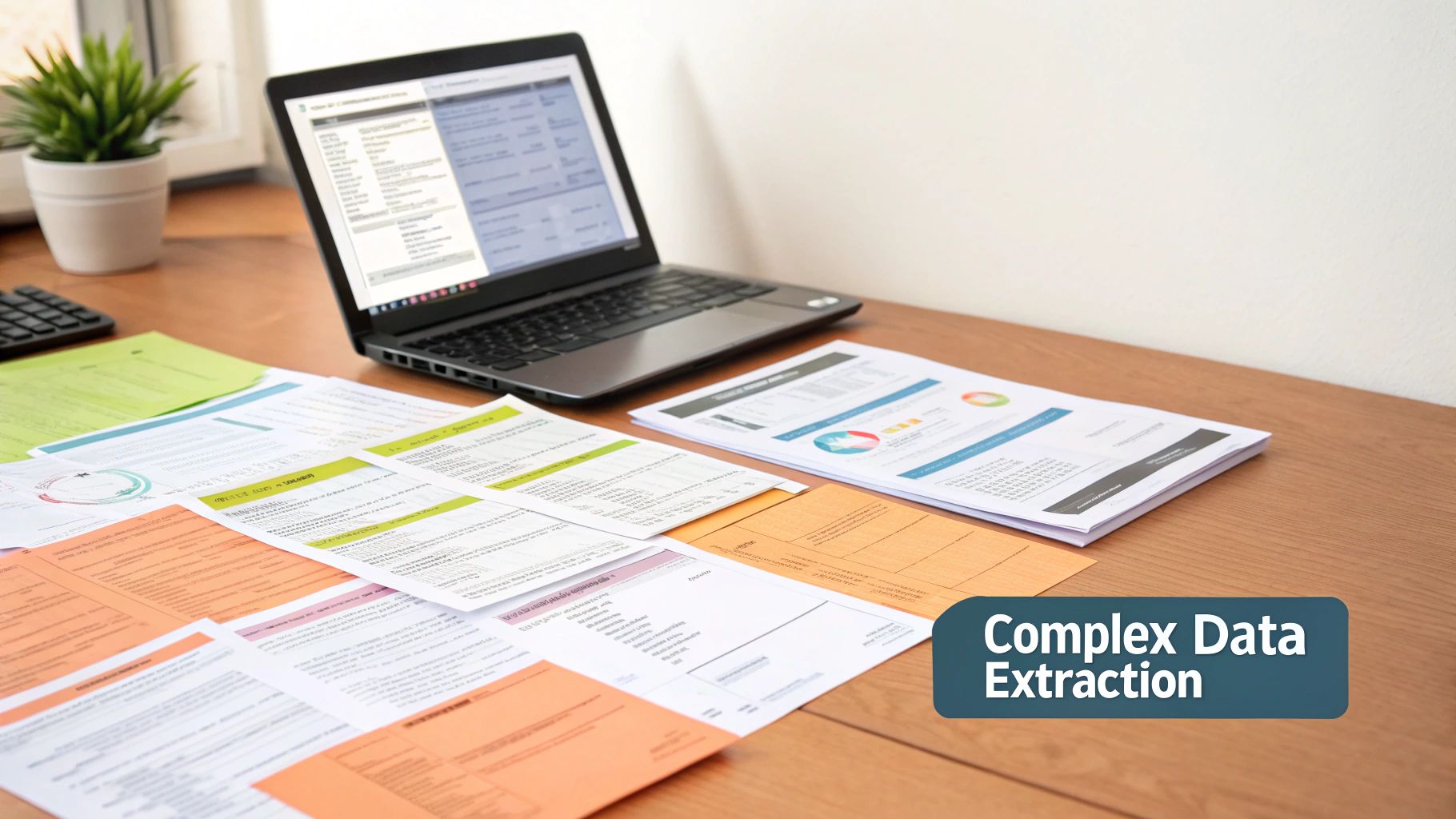
The clean examples are great for getting started, but let's be honest—real-world documents are a total mess. Invoices show up in a thousand different formats, tables break across pages, and no two vendors seem to use the same layout. If you want to build a system to convert PDF to JSON that doesn't break every other day, you have to plan for this chaos from the get-go.
One of the biggest headaches is pulling line items out correctly. You might get a beautiful invoice with a simple, four-column table. But the very next one could have nested columns, weirdly merged cells, or product descriptions that spill over multiple lines. This is where old-school OCR and basic text parsers just fall apart, leaving you with a jumbled mess of text that’s basically useless.
This is precisely why modern AI Vision APIs are such a game-changer. They don’t just read text; they understand the document's visual structure. By looking at how different pieces of text are positioned and related, these models can correctly map out headers, rows, and cells, even in the most convoluted table layouts.
Beyond Single-Page Simplicity
Another curveball you'll see all the time is the multi-page document. Maybe an invoice has three pages of terms and conditions tacked on the end. Or perhaps it's a massive purchase order where the line items table stretches across ten pages.
A truly robust extraction process needs to handle this without skipping a beat. Your system must be smart enough to:
- Pinpoint relevant pages: It should know to ignore the fluff like cover sheets or legal disclaimers.
- Merge related data: When a table continues onto page two, those line items need to end up in the same
lineItemsarray in your final JSON. - Keep everything in context: The tool has to recognize all the pages belong to one single document and pull the data together.
Trying to code this with rule-based logic is a nightmare. But AI models, trained on millions of real-world documents, have already learned these patterns. They just know that a table spilling onto the next page is still the same table.
The goal is to build a workflow that doesn't require manual pre-processing. Your system should be able to take a raw, multi-page PDF and produce a single, clean JSON object without human intervention.
Post-Processing and Validation Checks
Even with the best AI on the job, adding a final validation layer is just plain smart. This doesn't need to be complex. A few simple post-processing checks can flag potential errors and make sure the data flowing into your other systems is 100% accurate.
For instance, once you get the JSON back, you can run a quick script to:
- Sum the Line Items: Just loop through the
lineItemsarray and add up all thelineTotalvalues. - Compare to the Grand Total: See if that calculated sum matches the main
totalAmountfield extracted from the invoice. - Flag Discrepancies: If the numbers don't add up, you can automatically flag that document for a quick manual review.
This simple checksum is an incredibly powerful safety net. It validates the integrity of the most critical financial data and builds confidence in your automated process. And this kind of power is more accessible than ever, with services like ExtractBill offering extractions for just $0.11 per document with no queues. You can instantly process a large, complex PDF and get back structured JSON with all the line items parsed correctly. You can read more about the different methods and tools available for PDF conversion. Building these small, intelligent checks into your workflow is what elevates a fragile script into a truly enterprise-ready solution.
Building a Scalable PDF Processing Workflow
Getting a single PDF to convert correctly is a great first step. But the real challenge? Building a system that can chew through thousands of documents a day without choking. When you move from one-off tests to a high-volume operation, your mindset has to shift from extraction to building a complete, resilient workflow.
Let’s be honest: sending documents one by one and waiting for a response just won’t cut it at scale. It creates a massive bottleneck. The secret is to embrace parallel processing—submitting multiple documents at once and letting the API handle them concurrently. This is the only way to maintain speed and efficiency as you go from processing dozens to thousands of documents every single day.
Designing for Growth and Resilience
As your volume grows, cost becomes a major factor. A rigid monthly subscription can feel wasteful, especially if your processing needs fluctuate. A pay-as-you-go model is almost always a better fit, giving you the flexibility to pay only for what you actually use. This prevents you from overspending during slow months and lets your costs scale predictably with your business.
Just as important is building solid error handling into your workflow. What happens when an API call fails because of a network hiccup or a corrupted PDF? Your entire system can't just grind to a halt.
A scalable workflow has to anticipate failure. I always recommend implementing logic that automatically retries a failed request a few times before flagging it for a human to look at. This simple step keeps temporary glitches from derailing your entire automation process.
Securing and Monitoring Your Automation
When you’re dealing with financial documents, data security is non-negotiable. Period. Any solution you choose must encrypt data both in transit (using TLS) and at rest on the server. This is the baseline for protecting sensitive information at every stage.
Finally, you need visibility into what’s happening. Asynchronous tools are fantastic for performance, but you can’t fly blind. This is where webhooks come in. Instead of constantly asking "is it done yet?", the API can send a real-time notification to your system with the structured JSON the moment a document is processed. You can dive into how to set these up by checking out the ExtractBill webhooks documentation. This event-driven approach is the foundation of a truly scalable and hands-off conversion pipeline.
This focus on operational excellence is critical. A 2024 Deloitte survey found that a staggering 78% of SMBs still depend on PDFs for most financial documents, with manual errors costing them up to $12,000 annually per team. Building a scalable, automated system directly tackles this expensive and frustrating problem.
Frequently Asked Questions
When you start pulling data from PDFs and turning it into structured JSON, a few common questions always pop up. Let's tackle them head-on.
How Do I Handle Password-Protected PDFs?
You can't process what you can't open. Password-protected PDFs need to be unlocked before any tool can get to the data inside.
If you're building an automated workflow, your script or application has to supply the password programmatically to decrypt the file first. Only then can you send it off to a conversion service. For one-off jobs, you'd just open the file with the password and save an unprotected version.
Is JSON Better Than XML For Extracted Data?
For modern web applications, absolutely. There's really no debate here. JSON (JavaScript Object Notation) is significantly more lightweight and far easier for a human to read than XML.
More importantly, its structure maps directly to the data types used in languages like Python and JavaScript. This means developers can parse and work with the data much faster, which is why it’s the standard for virtually all modern REST APIs.
JSON's simplicity is its superpower. It cuts down on complexity, speeds up development, and is less "chatty" than XML, which even saves a bit on bandwidth.
Can I Extract Data From Just One Part Of A PDF?
That depends entirely on the tool you're using. Some of the more basic libraries might require you to pre-process the document yourself—maybe by splitting out a specific page or defining a zone with coordinates.
This is where AI-driven services like ExtractBill really shine. Instead of asking you to pinpoint a location, our AI analyzes the document's entire layout and context. It understands what an invoice or receipt looks like, so it finds the relevant data for you, no matter where it is on the page.
Ready to stop wasting time on manual data entry? ExtractBill uses advanced AI to convert your invoices and receipts into structured JSON in seconds. Get three free document extractions and see how it works.
Ready to automate your documents?
Start extracting invoice data in seconds with ExtractBill's AI-powered API.
Get Started for Free