10 Accounts Payable Automation Best Practices for 2026
Accounts payable has evolved from a manual, paper-intensive back-office function into a strategic hub for financial data and operational efficiency. Achieving this transformation, however, requires more than just implementing new software. It demands a thoughtful, strategic approach grounded in proven methodologies and a deep understanding of process optimization. Simply digitizing existing manual steps is not enough; true automation re-engineers the entire AP lifecycle to maximize value, reduce risk, and provide critical financial insights.
This guide moves beyond generic advice to provide a definitive collection of accounts payable automation best practices. We will detail 10 essential strategies designed to help you build a resilient, scalable, and intelligent AP function. You will learn not just what to do, but how to implement these practices effectively, turning your AP process from a reactive cost center into a proactive value driver.
Our focus is on actionable tactics for every stage of the automation journey. We will cover:
- Intelligent data capture and validation using advanced OCR.
- Seamless system integration through APIs and webhooks for end-to-end workflows.
- Robust exception handling and automated approval routing.
- Comprehensive security and real-time compliance enforcement.
Each best practice is designed to be a building block for creating a world-class automated system. Whether you are a finance leader at a mid-sized business, a developer integrating document extraction tools like ExtractBill, or an enterprise streamlining back-office operations, these principles will provide a clear roadmap. This framework will help you unlock significant ROI, improve vendor relationships, and equip your business with the financial agility needed to thrive.
1. Intelligent Document Capture and OCR Integration
The foundation of modern accounts payable automation best practices is moving beyond manual data entry. Intelligent document capture leverages AI-powered Optical Character Recognition (OCR) and computer vision to automatically scan and extract critical data from invoices, purchase orders, and receipts. This process transforms unstructured documents like PDFs and images into structured, machine-readable data ready for your accounting system.
Why It Works
This technology eliminates the most time-consuming and error-prone task in the AP cycle: manual keying. Instead of staff spending hours typing in vendor names, invoice numbers, line items, and totals, an AI model does it in seconds with high accuracy. This frees your team to focus on higher-value activities like exception handling, vendor relationship management, and financial analysis. For example, a mid-market company can slash its invoice processing time from several days to just a few hours.
How to Implement It
Getting started with intelligent document capture is more accessible than ever. Follow these actionable steps:
- Prioritize High-Volume Documents: Begin by automating the document types you receive most frequently, such as standard vendor invoices, to maximize your initial ROI.
- Test and Validate: Before a full-scale rollout, upload a diverse sample set of your actual documents to an OCR tool like ExtractBill. This helps you gauge extraction accuracy and identify any unique layouts that may need refinement.
- Integrate with Webhooks: Use API webhooks to create a truly automated workflow. Once a document is processed, a webhook can instantly trigger the next step, such as creating a draft bill in your ERP or flagging an invoice for approval.
Key Insight: The goal isn't just to extract data but to create a seamless, end-to-end flow. The true power of OCR is realized when it automatically pushes validated data into downstream systems, creating a touchless process that requires minimal human intervention. For a deeper technical dive, explore how you can programmatically convert PDF invoices to structured JSON data.
2. End-to-End Workflow Automation with Webhooks and APIs
True accounts payable automation best practices extend beyond data extraction into creating a connected, hands-free process. End-to-end workflow automation uses RESTful APIs and webhooks to link your document capture system with all your downstream accounting, ERP, and payment platforms. This creates a real-time, event-driven flow that moves data from invoice receipt to final payment without manual handoffs.
Why It Works
This approach eliminates the digital "gaps" where processes stall and require human intervention. Instead of an employee manually downloading extracted data and uploading it to an ERP, a webhook can automatically create a draft bill the instant an invoice is processed. This accelerates the entire procure-to-pay cycle, reduces the risk of human error, and provides real-time visibility into liabilities. For instance, a finance team can automatically route an extracted invoice to the correct manager for approval based on the vendor or department code.
How to Implement It
Connecting your systems via APIs and webhooks is the key to unlocking maximum efficiency. Here’s how to build a robust, automated workflow:
- Map Your Current AP Process: Before writing any code, visually map your existing workflow from invoice receipt to payment. Identify every manual step and handoff point; these are your prime opportunities for automation.
- Use Webhooks for Event-Driven Actions: Configure webhooks to trigger specific actions as they happen. For example, a successful invoice extraction can trigger a notification in Slack, create a task in a project management tool, and draft a bill in your accounting software simultaneously.
- Implement Robust Error Handling: Design your integration to manage potential failures. If an API call to your ERP fails, your system should automatically log the error and create a notification for your team to review, preventing data loss.
Key Insight: The goal is to create a self-orchestrating system where data flows intelligently between applications. APIs are the "pull" mechanism to request data when needed, while webhooks provide the "push" mechanism to send real-time updates, creating a dynamic and responsive AP environment. To see how these connections work in practice, explore the ExtractBill API Reference documentation.
3. Three-Way Invoice Matching and Validation
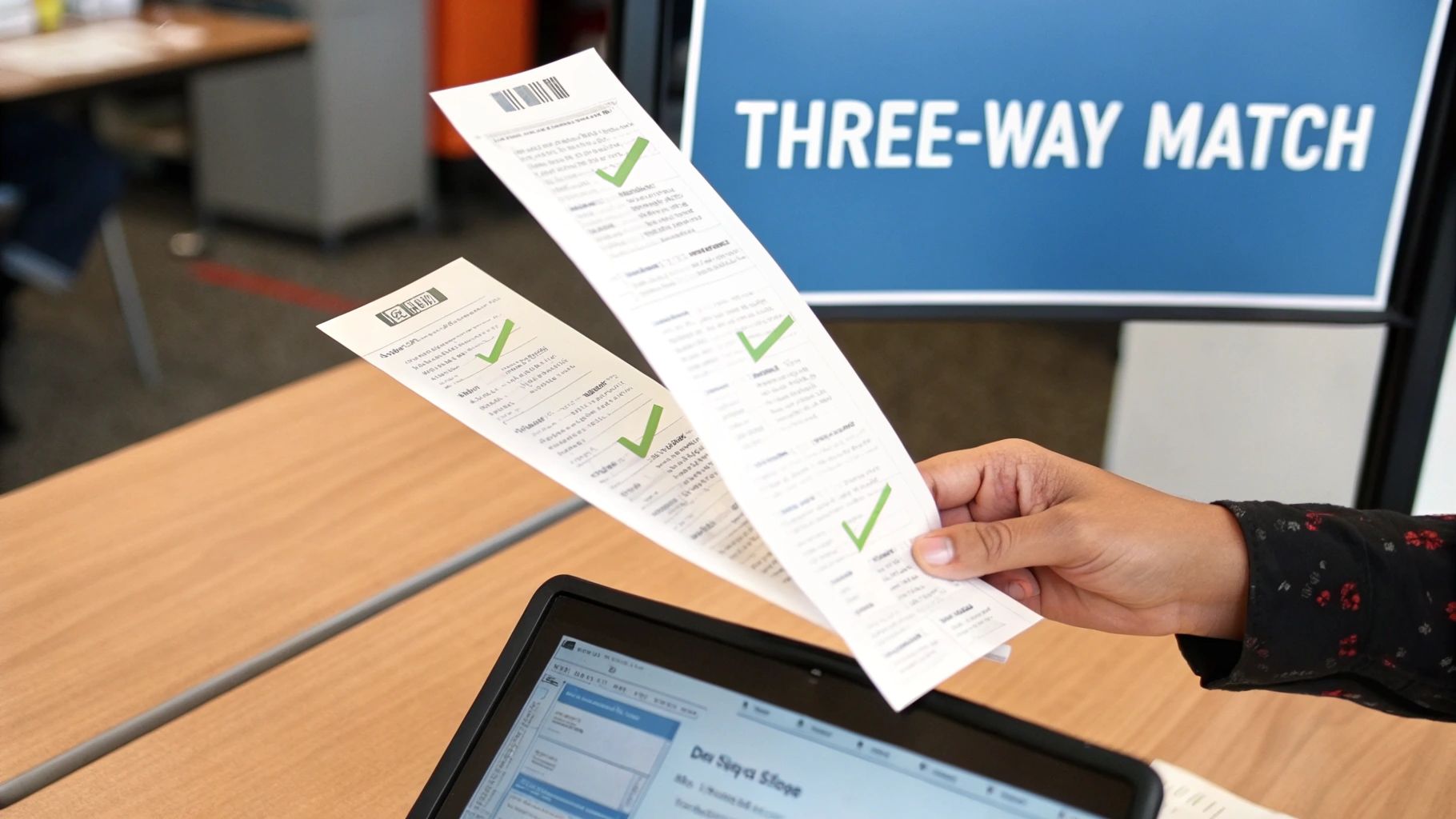
Beyond data extraction, a core accounts payable automation best practice is implementing automated three-way invoice matching. This critical control process automatically compares the supplier invoice against the corresponding purchase order (PO) and the goods receipt note (GRN). The system validates that the quantities, prices, and terms match across all three documents before scheduling the invoice for payment, effectively preventing overpayments and fraudulent invoices.
Why It Works
Automated three-way matching creates a robust, systematic check that ensures you only pay for what you ordered and actually received. This significantly reduces invoice exceptions and the manual effort required to resolve them. For instance, a mid-market manufacturing company can cut its invoice exception rate from 15% down to just 3% by automating this validation step. It fortifies financial controls, improves vendor relationships by ensuring timely, accurate payments, and provides a clear, auditable trail for every transaction.
How to Implement It
Integrating three-way matching requires connecting your procurement, receiving, and payables data streams. Follow these steps for a successful implementation:
- Define Tolerance Thresholds: Establish clear, acceptable variance levels for price and quantity. For example, you might auto-approve invoices with a price variance of less than 1% or $10, while flagging larger discrepancies for manual review.
- Integrate System Data: Connect your document extraction tool directly to your ERP or procurement system. This allows for real-time validation as soon as an invoice is processed, comparing extracted data against live PO and receiving records.
- Create Tiered Escalation Rules: Design an automated workflow for handling exceptions. Matched invoices can be approved automatically, while mismatches are routed to the appropriate team member (e.g., procurement for price issues, warehouse for quantity discrepancies) with all relevant documents attached.
Key Insight: The goal is to move from a reactive, manual review process to a proactive, automated validation system. By tracking the root causes of matching exceptions, you can identify systemic issues with specific suppliers or internal processes, allowing you to address them directly and further streamline your procure-to-pay cycle. For simpler scenarios, explore the fundamentals with this guide on two-way matching in accounts payable.
4. Centralized Data Standardization and Master Data Management
Extracting data is only half the battle; ensuring that data is clean, consistent, and reliable is what makes automation truly powerful. Centralized data standardization involves normalizing extracted invoice data into a consistent format before it enters your accounting system. This practice creates a single source of truth for vendor information, GL codes, and cost centers, which is a cornerstone of effective accounts payable automation best practices.
Why It Works
Without standardization, your accounting system can become cluttered with duplicate vendors ("Acme Inc." vs. "Acme Incorporated") and inconsistent coding, leading to reporting errors and payment mishaps. By creating and enforcing master data rules, you ensure every piece of information is uniform and accurate. For instance, a private equity firm can reconcile different GL coding structures across its portfolio companies, enabling consolidated, error-free financial reporting.
How to Implement It
Implementing master data management establishes a robust foundation for your AP processes. Follow these actionable steps:
- Create a Master Vendor List: Build and maintain a single, authoritative list of all your vendors with standardized names, unique identifiers, and payment terms. This prevents the creation of duplicate records.
- Define GL Code Mapping Rules: Before processing invoices at scale, establish clear rules that map invoice line items or descriptions to the correct general ledger codes. Document these rules for consistency.
- Implement Validation and Deduplication: Use your AP automation software to set up validation rules that flag any data not conforming to your master list. Additionally, implement logic that automatically identifies and merges potential duplicate vendor records.
Key Insight: Master data management is not a one-time setup; it is an ongoing governance process. Regularly auditing your master data quality and refining your mapping rules quarterly ensures your system remains clean and your automation workflow operates at peak efficiency. For a technical guide on creating a standardized structure for your extracted data, explore our definitive JSON schema.
5. Automated Invoice Approval Routing and Exception Management
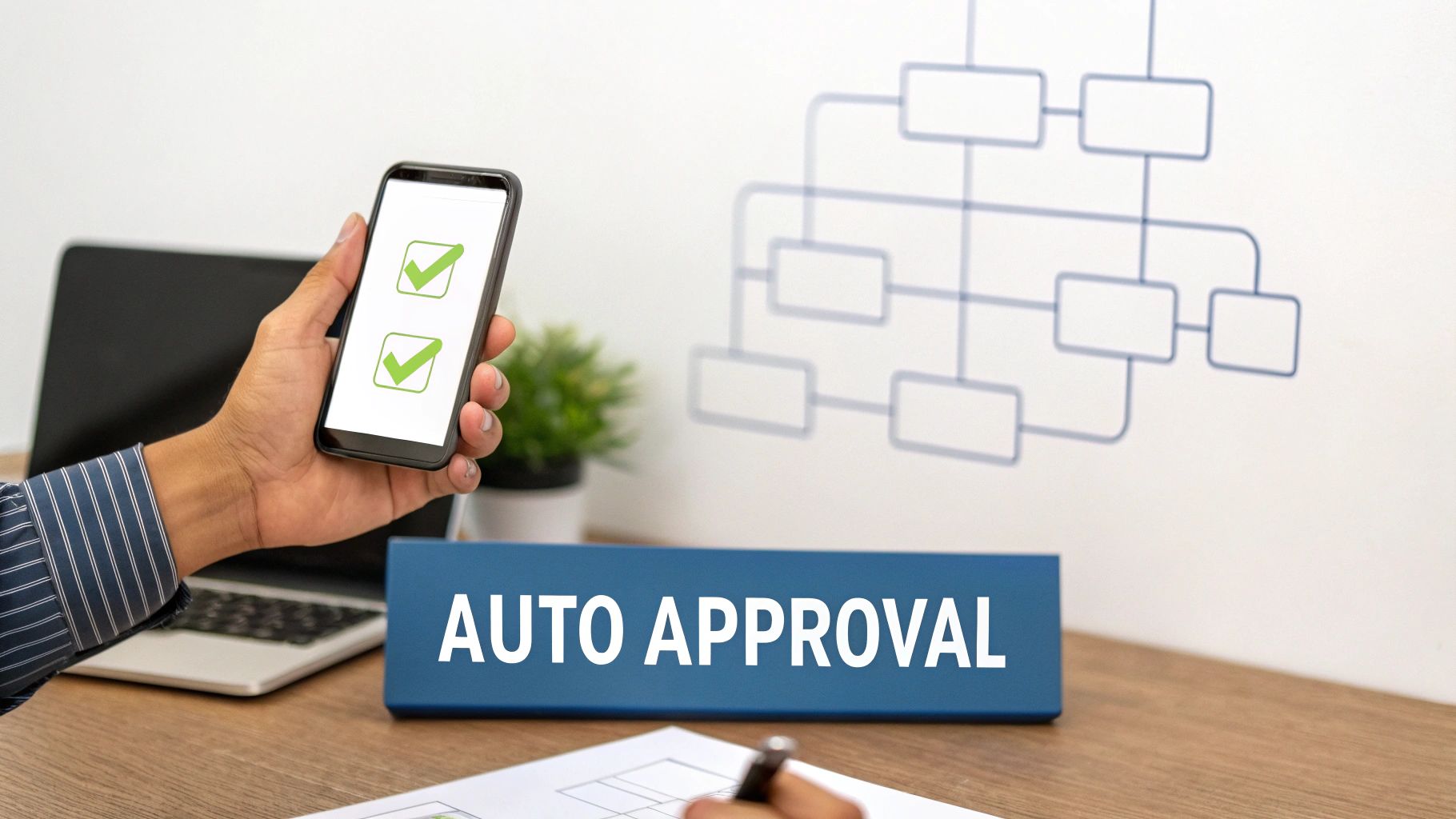
Once an invoice is captured and its data is validated, the next critical step is getting it approved. Manual approval processes are notorious bottlenecks, relying on emails, spreadsheets, and physical paper trails that lead to delays and lost documents. Automated approval routing transforms this by using extracted invoice data to intelligently direct documents to the correct approvers based on predefined business rules.
Why It Works
This practice accelerates the entire procure-to-pay cycle by ensuring invoices don't sit idle waiting for review. It establishes a clear, auditable trail of every approval, enhancing compliance and financial control. For instance, a finance team can configure a rule to auto-approve all invoices under $5,000 from vetted suppliers, allowing them to focus solely on high-value or unusual submissions. This systematic approach to exception management means your most experienced staff handle the most complex issues.
How to Implement It
Building an efficient automated workflow is about defining clear rules and creating a frictionless experience for approvers. Follow these steps:
- Define Clear Business Rules: Start by mapping your existing approval hierarchies. Define objective thresholds based on invoice amount, department code, vendor, or project. For example, any IT-related invoice over $10,000 must be routed to the CTO.
- Implement Escalation Timers: Prevent bottlenecks by setting automated escalation rules. If an invoice isn't approved within a set period, like 48 hours, the system can automatically forward it to the next-level manager or send a reminder notification.
- Enable Mobile Approvals: Equip your team to approve invoices from anywhere. Mobile notifications and a simple approval interface ensure that business travel or remote work doesn't stall payments, a key component of modern accounts payable automation best practices.
Key Insight: The most effective approval workflows are both precise and adaptable. Start with simple rules, like routing based on department, and analyze your exception data. If you notice frequent price discrepancies from a specific vendor, you can add a rule to flag those invoices for procurement review, continuously refining your process for maximum efficiency.
6. Real-Time Compliance and Policy Enforcement Automation
A crucial component of modern accounts payable automation best practices is embedding compliance checks directly into the workflow. Real-time policy enforcement uses predefined business rules to automatically validate invoices against internal spending policies, regulatory requirements, and contractual terms. This moves compliance from a manual, post-payment audit function to a proactive, automated safeguard that prevents non-compliant payments before they happen.
Why It Works
This automated approach drastically reduces financial and legal risks. Instead of relying on human reviewers to remember complex tax laws, spending limits, or sanctioned vendor lists, the system flags violations instantly. For example, a multinational company can automatically validate invoices against tax requirements in dozens of jurisdictions, or a government contractor can ensure all invoiced costs adhere to FAR/DFARS regulations. This prevents costly errors, penalties, and fraudulent payments, ensuring every transaction is fully compliant.
How to Implement It
You can embed compliance directly into your automated AP process with a strategic approach:
- Define Enforceable Rules: Collaborate with legal and compliance teams to codify key policies, such as spending limits per department, required purchase order matching, and tax compliance checks.
- Prioritize High-Risk Areas: Begin by automating checks for your most critical compliance areas. Implement robust duplicate detection algorithms that analyze vendor name, invoice number, amount, and date to prevent duplicate payments.
- Establish Graduated Enforcement: Configure rules to either warn, flag for review, or automatically reject a payment based on the severity of the policy violation. This creates flexibility while maintaining control.
Key Insight: The objective is to build a "compliance-by-design" AP system. When your automation platform can instantly check an invoice against a list of sanctioned entities or validate a VAT number's format, you transform your AP department from a simple payment processor into a powerful guardian of corporate policy and financial integrity.
7. Scalable Batch Processing and High-Volume Document Handling
As your organization grows, so does your invoice volume. A key accounts payable automation best practice is to ensure your system can handle this growth without bottlenecks. Scalable batch processing allows you to submit and process thousands or even millions of documents simultaneously, using cloud-native architecture to handle peak loads without performance degradation.
Why It Works
This approach is critical for businesses that experience fluctuating or high-volume document inflows, such as retailers during holiday seasons or accounting firms at month-end. Instead of processing invoices one by one, which can create queues and delays, batch processing handles them in parallel. For example, a procurement platform can automatically process tens of thousands of vendor invoices in a single overnight job, ensuring data is ready for analysis by the start of the business day.
How to Implement It
Implementing a scalable batch processing workflow ensures your AP automation can grow with your business. Here are a few actionable steps:
- Utilize Batch API Endpoints: For large volumes, use dedicated batch endpoints to submit hundreds or thousands of documents in a single API call instead of making individual requests. This is far more efficient and reduces network overhead.
- Implement Asynchronous Webhooks: Don't wait for a batch job to complete. Configure webhook handlers to receive notifications asynchronously when processing is finished, allowing your system to retrieve the structured data without polling.
- Schedule for Off-Peak Hours: To manage system resources effectively, schedule large, resource-intensive batch jobs during off-peak hours, such as overnight. This levels demand and ensures optimal performance for real-time processing during the day.
Key Insight: True scalability isn't just about handling more documents; it's about doing so efficiently and cost-effectively. Solutions like ExtractBill leverage a no-queue, parallel processing architecture, meaning your 10,000th invoice is processed just as quickly as your first, eliminating the traditional trade-off between volume and speed.
8. Integrated Analytics, Reporting, and Spend Intelligence
Effective accounts payable automation best practices extend beyond processing invoices; they transform raw AP data into actionable business intelligence. Integrated analytics and reporting provide finance teams with a powerful lens to view spending trends, supplier performance, and cash flow dynamics. This involves using the structured data captured from invoices to generate real-time dashboards and reports that reveal insights previously hidden in spreadsheets and file cabinets.

Why It Works
This data-driven approach shifts the AP function from a reactive cost center to a strategic business partner. By analyzing aggregated spend data, procurement can negotiate better terms with high-volume vendors, potentially securing 15-20% savings. Finance teams can identify and eliminate duplicate payments, monitor key metrics like Days Payable Outstanding (DPO), and forecast cash outflows with much greater accuracy. This visibility empowers leaders to make informed decisions that directly impact the bottom line.
How to Implement It
Transforming your AP data into a strategic asset requires a deliberate approach. Follow these actionable steps to build a robust reporting framework:
- Create Executive Dashboards: Start by building a high-level dashboard that visualizes key metrics for leadership. Include charts showing the top 10 vendors by spend, spending trends over time, and average invoice approval cycle times.
- Monitor Core KPIs: Track crucial performance indicators like invoice processing cost, DPO, and duplicate payment rates. Use these metrics to demonstrate the ROI of your automation investment and identify areas for further process optimization.
- Set Up Strategic Alerts: Configure your system to send automated alerts for unusual spending patterns, such as a sudden spike in invoices from a specific vendor or significant supplier concentration in one category.
Key Insight: The ultimate goal is to democratize financial data across relevant departments. When procurement, finance, and operational leaders share the same view of spending, they can collaborate on strategic initiatives like supplier consolidation and contract renegotiation, driving significant value for the entire organization.
9. Secure Data Handling, Encryption, and PII Protection
When automating accounts payable, you are handling highly sensitive information, including vendor bank details, payment amounts, and personally identifiable information (PII). A critical best practice is to implement robust security protocols that protect this data throughout its lifecycle, from capture and processing to storage and archival. This involves a multi-layered approach that includes encryption, strict access controls, and adherence to data protection regulations.
Why It Works
Prioritizing security builds trust with your vendors and protects your organization from devastating data breaches, financial loss, and reputational damage. By embedding security into your AP automation workflow, you ensure that sensitive financial data is never exposed. This is not just a technical safeguard but a business necessity, especially for organizations in regulated industries like healthcare or finance, where non-compliance with standards like GDPR, HIPAA, or SOX can lead to severe penalties.
How to Implement It
Strengthening the security of your automated AP processes is a foundational step. Here’s how to effectively protect sensitive data:
- Enforce End-to-End Encryption: Ensure that all data, both in transit (during upload/transfer) and at rest (in storage), is protected using strong encryption standards like TLS 1.2+ and AES-256. This prevents unauthorized access even if underlying infrastructure is compromised.
- Implement Role-Based Access Controls (RBAC): Restrict access to sensitive documents and data based on user roles and responsibilities. An AP clerk may only need to view invoice data, while a finance manager might need permissions to approve payments. This minimizes the risk of internal fraud or accidental data exposure.
- Establish Data Retention and Masking Policies: Define clear policies for how long invoice data is stored, aligning with legal and regulatory requirements. Use data masking techniques to automatically redact or hide sensitive fields like bank account numbers or Social Security Numbers from users who do not require access.
Key Insight: Security in accounts payable automation is not a feature; it's a prerequisite. Choosing a platform with a strong security posture, such as a service provider with SOC 2 Type II certification, shifts a significant portion of the compliance burden from your team to a trusted, audited partner. This ensures your data handling practices meet the highest industry standards.
10. Change Management, User Adoption, and Continuous Improvement
Technology alone does not guarantee success; one of the most critical accounts payable automation best practices involves managing the human side of the transition. Effective change management prepares your team for new tools and workflows, ensuring they embrace the system rather than resist it. This process involves strategic communication, targeted training, and a commitment to evolving the system based on user feedback and performance data.
Why It Works
A structured change management plan minimizes disruption and accelerates ROI by fostering user adoption. When employees understand the "why" behind the automation-its benefits to their roles and the company-they are more likely to become advocates. For example, by repositioning staff from manual data entry to higher-value roles like exception resolution and vendor analytics, you not only improve efficiency but also enhance job satisfaction. This approach turns a technological shift into a strategic business evolution.
How to Implement It
Successfully navigating the transition requires a deliberate, people-focused strategy. Follow these actionable steps:
- Secure Executive Sponsorship: Begin with clear communication from leadership about the project's vision and benefits. This top-down support is crucial for building momentum.
- Launch a Pilot Program: Identify an early adopter team to test the new system. Their hands-on experience will provide invaluable feedback and create internal champions for a broader rollout.
- Develop Role-Specific Training: Provide hands-on training using real invoices and scenarios relevant to your business. Supplement this with quick-reference guides and video walkthroughs for ongoing support.
- Establish Feedback Loops: Create a dedicated support channel for questions and gather feedback regularly. Use this input to refine rules, adjust workflows, and demonstrate that user voices are heard.
Key Insight: True transformation is not a one-time project but a continuous cycle. After implementation, regularly monitor key metrics like exception rates and cycle times. Analyze the root causes of common exceptions and adjust your automation rules to prevent them, steadily increasing your auto-approval rate and maximizing the system's value over time.
AP Automation: 10 Best-Practices Comparison
| Solution | Implementation complexity | Resource requirements | Expected outcomes | Ideal use cases | Key advantages |
|---|---|---|---|---|---|
| Intelligent Document Capture and OCR Integration | Moderate — initial template/configuration and model tuning | OCR/vision engine, sample documents, integration/API, compute | High-accuracy structured data, reduced manual entry, fast processing | Invoice/receipt automation, expense capture, data migration | Multi-format support, context-aware extraction, batch processing, audit trail |
| End-to-End Workflow Automation with Webhooks and APIs | High — API design, workflow orchestration and error handling | Developers, integration testing, monitoring, system mapping | Real-time data flows, reduced cycle time, automated handoffs | ERP/accounting integrations, real-time approvals, custom workflows | Seamless integrations, customizable workflows, scalable automation |
| Three-Way Invoice Matching and Validation | Moderate–High — matching logic and PO/receipt integration | Clean PO/receipt data, rule configuration, exception management | Fewer overpayments/duplicates, reduced exceptions, faster approvals | Procurement-heavy firms, manufacturing, retail, contract validation | Prevents overpayments, strong audit trail, exception reporting |
| Centralized Data Standardization and Master Data Management | High — governance, mapping and ongoing rule maintenance | Data governance team, mapping rules, deduplication tools | Consistent master data, improved reporting, easier integrations | Multi-entity/multinational companies, complex GLs, consolidations | Single source of truth, reduced reconciliation, faster onboarding |
| Automated Invoice Approval Routing and Exception Management | Moderate — ruleset and approval matrix configuration | Business analysts, approver setup, notification systems | Shorter approval cycles, higher auto-approve rates, fewer bottlenecks | Decentralized orgs, high-volume approvals, delegated authority | Faster payments, real-time visibility, automated escalations |
| Real-Time Compliance and Policy Enforcement Automation | High — policy encoding, regulatory mapping and updates | Legal/compliance experts, rule engine, continuous updates | Reduced compliance risk, prevented policy violations, audit readiness | Regulated industries, multinational tax/sanctions checks, contracts | Enforces policies automatically, duplicate detection, regulatory checks |
| Scalable Batch Processing and High-Volume Document Handling | Moderate — batch architecture, parallelism and webhook handling | Cloud auto-scaling, load balancing, webhook handlers, monitoring | Consistent low-latency at scale, handles spikes, high throughput | Retailers, enterprises processing thousands–millions of docs, accounting firms | High throughput, predictable latency, cost-efficient scaling |
| Integrated Analytics, Reporting, and Spend Intelligence | Moderate — data modeling, dashboarding and KPI design | BI tools, historical data, analysts, export capabilities | Actionable spend insights, supplier performance tracking, ROI metrics | Procurement optimization, finance planning, multi-entity reporting | Spend visibility, supplier metrics, data-driven savings opportunities |
| Secure Data Handling, Encryption, and PII Protection | Moderate–High — security controls, compliance implementation | Encryption/KMS, RBAC, audits, data residency controls | Minimized breach risk, regulatory compliance, audit logs | Financial services, healthcare, government, regulated vendors | End-to-end encryption, compliance frameworks, detailed access logs |
| Change Management, User Adoption, and Continuous Improvement | High — organizational change, training and ongoing governance | Training programs, support teams, executive sponsorship, metrics | Sustained adoption, continuous process improvement, realized ROI | Enterprise rollouts, multi-site implementations, cultural change | Higher adoption, reduced resistance, continuous optimization and ROI |
From Theory to Practice: Activating Your AP Automation Strategy
Embarking on the path to automated accounts payable is a transformative step, moving your finance function from a tactical, transaction-focused cost center to a strategic, value-driving business partner. The journey we've explored, from intelligent data capture to continuous process improvement, is not about simply replacing manual tasks with software. It's about fundamentally redesigning how your business handles one of its most critical financial processes. Mastering these accounts payable automation best practices is the key to unlocking the full potential of this transformation, ensuring your investment delivers sustained, compounding returns.
The principles discussed throughout this guide form a cohesive framework for building a resilient, intelligent, and scalable AP operation. We began with the foundational element of intelligent document capture and OCR, the gateway for all incoming invoices. From there, we connected the dots with end-to-end workflow automation, using webhooks and APIs to create a seamless flow of information between systems. By implementing rigorous three-way matching, centralized master data management, and automated approval routing, you erect a powerful defense against errors, fraud, and inefficiencies. These tactical automations are the building blocks of a much larger strategic advantage.
Key Takeaways for Your AP Automation Journey
As you move forward, focus on these critical takeaways that bridge the gap between understanding the concepts and successfully implementing them:
- Automation is a Program, Not a Project: Avoid the "set it and forget it" mentality. True AP excellence comes from a commitment to continuous improvement. Regularly review your KPIs, solicit user feedback, and refine your workflows to adapt to changing business needs.
- Data is Your Most Valuable Asset: The ultimate goal of automation isn't just to pay bills faster. It's to convert unstructured invoice data into structured, actionable intelligence. This intelligence fuels better spend management, improves forecasting accuracy, and strengthens vendor relationships.
- Integration is Non-Negotiable: A standalone AP automation tool offers limited value. The real power lies in its deep integration with your ERP, accounting software, and other business systems. A tightly integrated ecosystem ensures data consistency, eliminates manual reconciliation, and provides a single source of truth for financial data.
- Security and Compliance are Paramount: Automating financial processes requires an unwavering commitment to security. From data encryption and PII protection to automated policy enforcement, every step must be designed to safeguard sensitive information and ensure regulatory compliance.
Your Actionable Next Steps
Translating these accounts payable automation best practices into tangible results requires a clear and focused action plan. Instead of trying to boil the ocean, start with a targeted, high-impact initiative. Identify the biggest bottleneck in your current AP process, whether it's manual data entry, a slow approval cycle, or managing a high volume of exceptions.
Begin by automating that specific pain point. For most organizations, the most significant immediate gains come from eliminating manual invoice data entry. This single step reduces labor costs, accelerates processing times, and drastically cuts down on human error. Once you've achieved success and demonstrated clear ROI in this initial phase, you can build momentum and expand your automation efforts across the entire AP lifecycle. Use the success of your first project to champion further investment in areas like automated approval routing, compliance checks, and advanced analytics. This phased approach makes the transformation manageable, builds confidence within your team, and ensures each step delivers measurable value to the business.
Ultimately, a successful AP automation strategy empowers your team to shift their focus from tedious, repetitive tasks to strategic, analytical work. It transforms accounts payable from a back-office necessity into a source of competitive advantage, providing the speed, control, and insight needed to thrive in a dynamic economic landscape.
Ready to implement the first and most critical of these accounts payable automation best practices? See how ExtractBill can instantly eliminate manual data entry by converting any invoice into structured, API-ready JSON data in seconds. Start your journey toward a fully automated AP workflow by visiting ExtractBill to learn more.
Ready to automate your documents?
Start extracting invoice data in seconds with ExtractBill's AI-powered API.
Get Started for Free