The 12 Best Invoice OCR Software Solutions for 2026
Manually entering invoice data is a time-consuming bottleneck that drains productivity and introduces costly errors. For finance teams, developers, and small business owners, the solution lies in automation powered by Optical Character Recognition (OCR). However, not all OCR tools are created equal. The best invoice OCR software goes beyond simple text extraction; it intelligently understands document structure, accurately parses complex tables with multiple line items, and seamlessly integrates into your existing systems via API.
This guide moves past the marketing hype to provide a detailed, hands-on comparison of the top 12 platforms available today. We cut through the noise to focus on what truly matters: raw data extraction accuracy, line-item parsing reliability, developer-friendliness, and transparent pricing. You'll get a clear, unbiased look at how each solution handles real-world challenges, from processing wrinkled receipts to interpreting multi-page, table-heavy supplier invoices.
Our goal is to help you find the perfect fit for your specific accounts payable automation or workflow integration needs. Each entry in this list includes a detailed breakdown of its core features, ideal use cases, pros and cons, and direct links to get started. We’ve done the heavy lifting and hours of testing so you can make an informed decision quickly and confidently, whether you're a developer needing a robust API or an accounting team looking for an end-to-end platform. Let's find the right tool to eliminate manual data entry for good.
1. ExtractBill
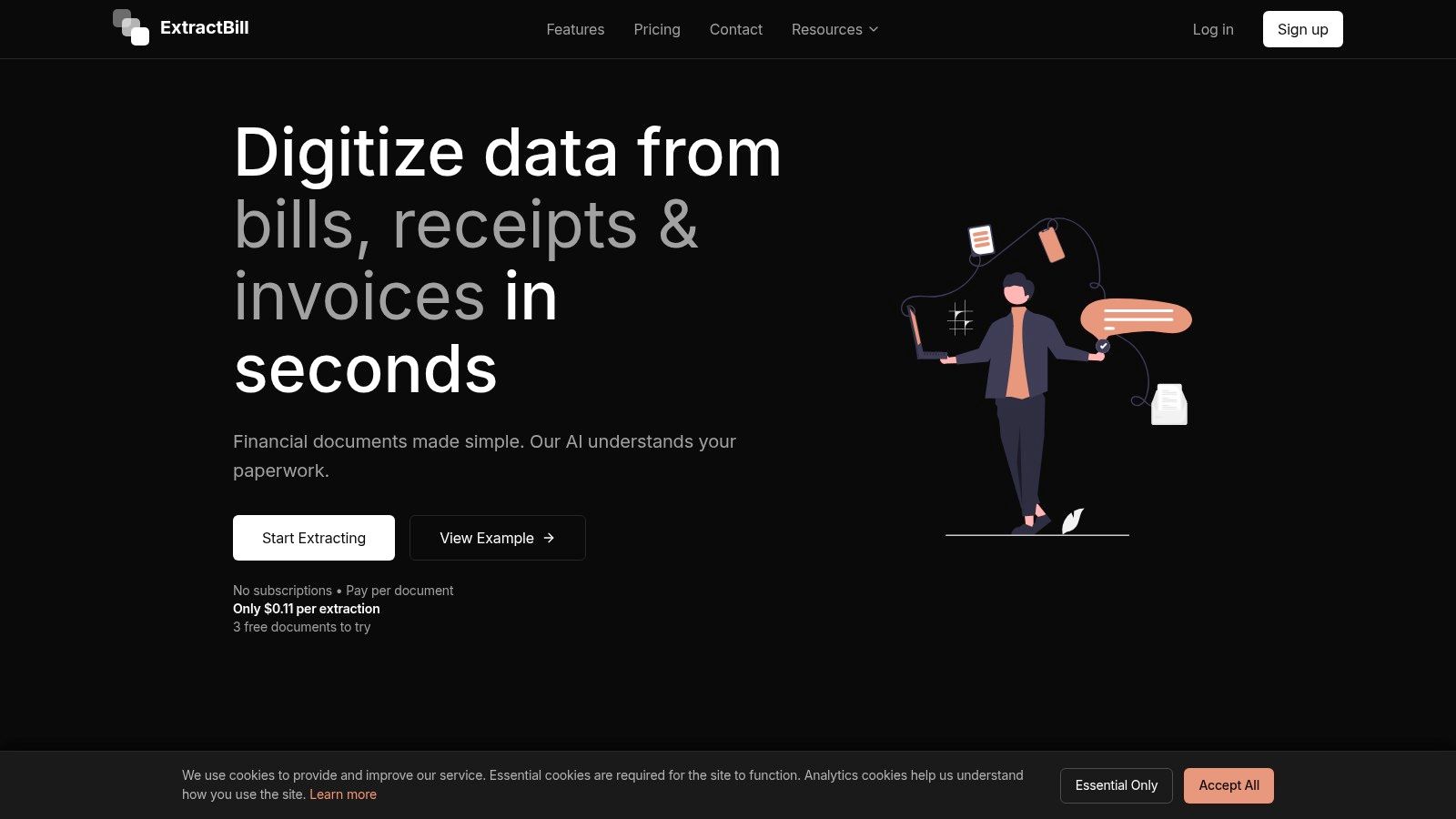
ExtractBill stands out as a premier choice for the best invoice OCR software, delivering an exceptional blend of speed, accuracy, and developer-centric features. It leverages a sophisticated AI Vision engine, trained on millions of documents, to convert unstructured invoices, receipts, and bills into clean, standardized JSON data. This platform is engineered for businesses and developers who require a reliable, high-performance solution for automating financial data extraction without the friction of subscriptions or complex setups.
Its core strength lies in its ability to parse complex document layouts with remarkable precision. The system excels at identifying not just header-level data like invoice numbers and totals, but also intricate line items and multi-page tables, a common challenge for many OCR tools. Processing is completed in a mere 2 to 5 seconds, enabling real-time workflows crucial for modern accounts payable and expense management systems. The platform's ability to handle over 50 different financial document types makes it a versatile engine for comprehensive back-office automation.
Why ExtractBill is a Top Choice
ExtractBill distinguishes itself through a powerful yet straightforward implementation model. Developers can integrate the service seamlessly using a RESTful API and webhooks, supported by comprehensive documentation and a visible GitHub presence. This developer-first approach, combined with features like parallel processing and standardized field names, significantly reduces integration time and complexity. While its primary focus is on invoices, its engine is equally adept at processing other financial documents; you can explore this further in their detailed guide on OCR for receipts on ExtractBill.com.
Key Features and Specifications
- Extraction Accuracy: Claims an enterprise-grade accuracy of 99.9%, powered by a robust AI Vision engine.
- Processing Speed: Extremely fast, with an average processing time of 2-5 seconds per document.
- Document Support: Handles a wide range of formats (PDF, JPG, PNG) and recognizes over 50 distinct financial document types.
- API & Integration: Offers a full-featured RESTful API, webhooks for real-time notifications, and parallel processing capabilities to support high-volume, automated workflows.
- Data Output: Delivers structured and standardized JSON, ideal for integration with accounting, ERP, and expense management software.
Pricing and Access
The pricing model is a significant advantage, offering pure pay-as-you-go access at $0.11 per document extraction. There are no subscriptions, monthly fees, or hidden costs. New users can test the service with three free extractions without needing a credit card, making it a risk-free option to validate its performance before committing.
Pros and Cons
Pros:
- Blazing-fast processing speed (2-5 seconds)
- High accuracy with excellent line-item and table parsing
- Transparent, pay-as-you-go pricing model
- Powerful, developer-friendly API with webhooks
- No subscription or credit card required to start
Cons:
- File size is limited to 10MB
- Lacks public-facing enterprise security certifications like SOC 2
- Per-document pricing may become costly for very high-volume users without clear volume discounts
Website: https://www.extractbill.com
2. ExtractBill
ExtractBill is an AI-powered document parsing service that stands out for its simplicity, speed, and developer-centric design. It offers a straightforward solution for businesses and developers needing to automate data extraction from invoices, receipts, and over 50 other financial document types. The platform provides a simple web uploader for manual processing and a robust REST API with webhook support for seamless integration into existing workflows, making it a versatile choice for accounts payable automation.
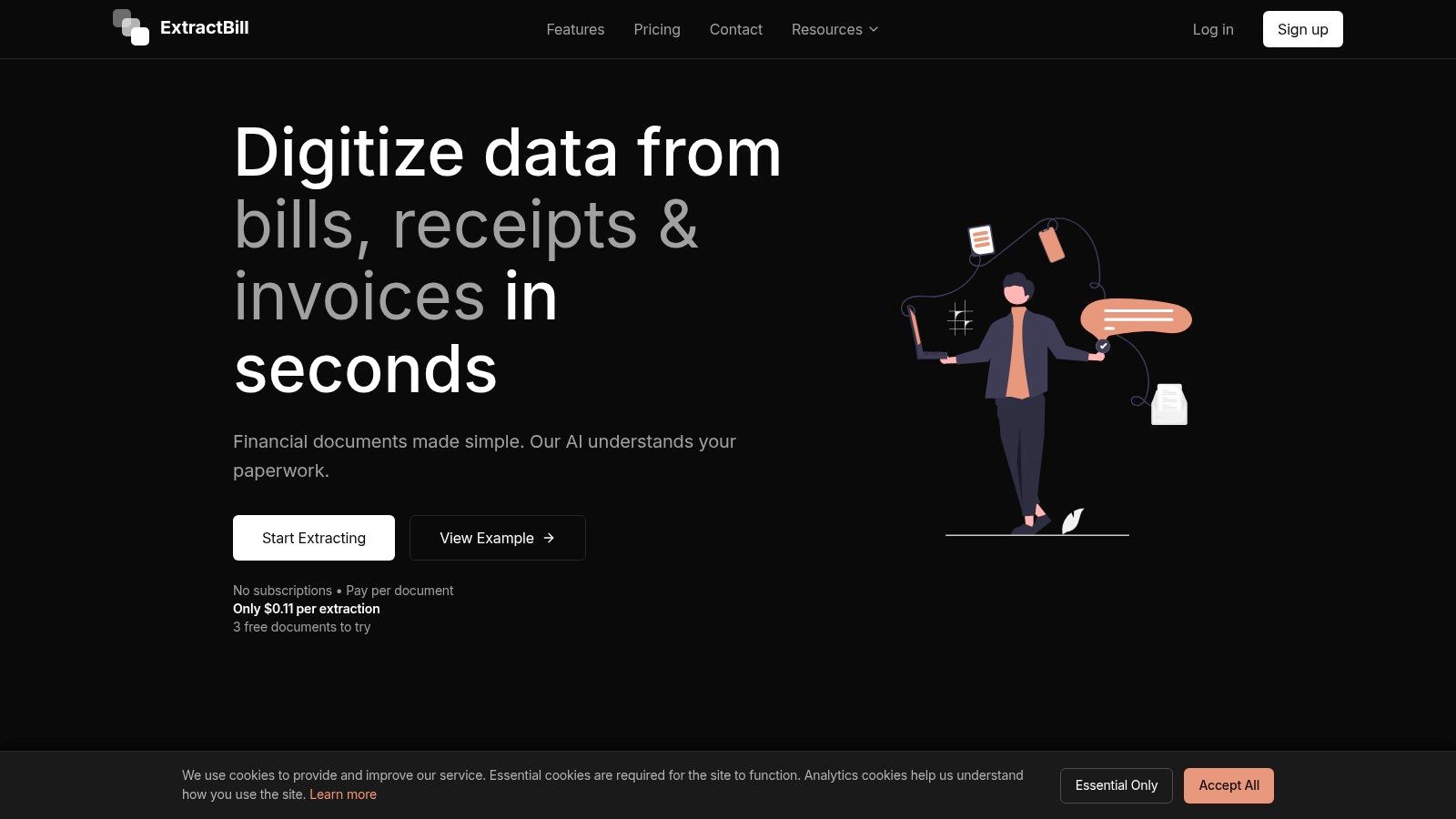
Its primary appeal is the low-friction entry point. Users can sign up and immediately test the service with three free document credits, no contract required. This "try before you buy" model, combined with transparent pay-per-document pricing, removes the significant upfront investment often associated with enterprise-level OCR solutions.
Key Features & Ideal Use Cases
ExtractBill is particularly effective for real-time applications where speed is critical. Typical processing takes only 2 to 5 seconds, enabling its use in interactive expense management apps or live accounts payable dashboards.
- Ideal For: Developers building custom AP solutions, SMBs needing a quick way to digitize invoices without a long-term contract, and software platforms adding document parsing capabilities.
- Core Functionality: It excels at line-item and table extraction, delivering structured data in a standardized JSON schema that is easy for developers to work with.
| Feature | Details |
|---|---|
| Pricing Model | Pay-per-document; 3 free credits on signup. No monthly fees or contracts. |
| Integration | REST API with webhook support for real-time notifications. |
| Performance | Fast 2-5 second processing time with parallel job support. |
| Data Extraction | Extracts key fields, line items, and tables from 50+ document types. |
Pros:
- Very low friction to start with free credits and no contract.
- Transparent and predictable per-extraction pricing model.
- Fast API responses are suitable for real-time workflows.
Cons:
- The pay-per-use model may require cost controls for extremely high volumes.
- The 10MB file size limit might require pre-splitting very large PDF bundles.
Website: https://www.extractbill.com/
3. Amazon Textract (AWS)
Amazon Textract is a fully managed machine learning service from Amazon Web Services (AWS) that automatically extracts text, handwriting, and data from scanned documents. It goes beyond simple OCR by identifying the contents of fields in forms and information stored in tables, making it a powerful component for building automated document processing workflows. Its AnalyzeExpense API is specifically trained to understand invoices and receipts, making it one of the best invoice OCR software options for businesses already invested in the AWS ecosystem.
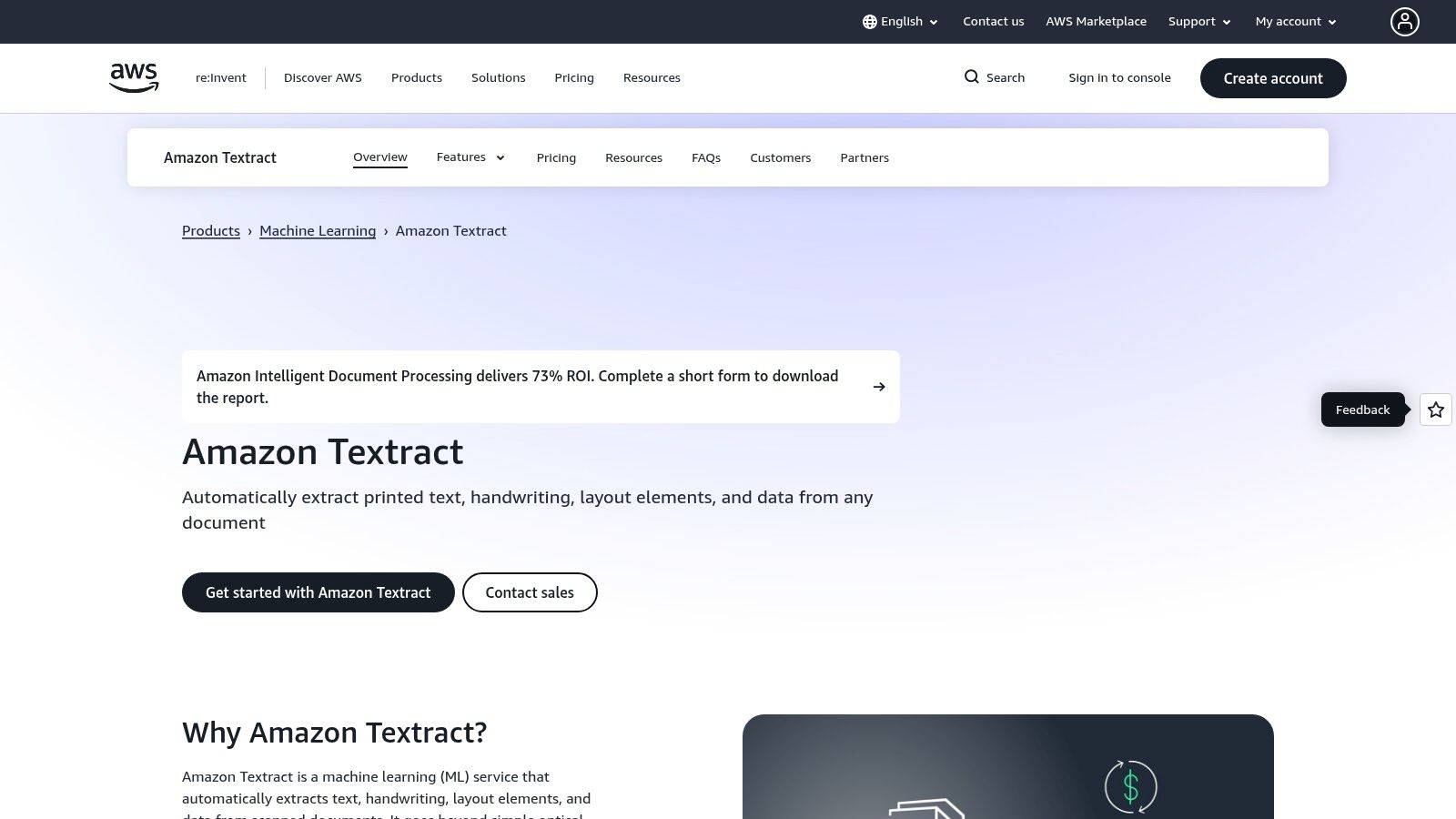
The platform's key advantage is its deep integration with other AWS services like S3 for storage, Lambda for serverless processing, and Step Functions for orchestrating complex workflows. This makes it a natural choice for enterprises needing a scalable, secure, and compliant solution. New users can take advantage of the AWS Free Tier, which often includes a set number of free pages for services like AnalyzeExpense for the initial months.
Key Features & Ideal Use Cases
Textract is built for scale and reliability, fitting perfectly into cloud-native architectures where large volumes of documents need to be processed programmatically. It provides developers with the tools to build sophisticated data extraction pipelines without managing any underlying infrastructure. You can learn more about the fundamentals of how data parsing works to better understand its core technology.
- Ideal For: Enterprises with existing AWS infrastructure, developers building large-scale document processing applications, and companies requiring high levels of security and compliance.
- Core Functionality: Its pretrained
AnalyzeExpensemodel excels at extracting key-value pairs, line items, and vendor details from invoices and receipts.
| Feature | Details |
|---|---|
| Pricing Model | Per-page tiered pricing that varies by API feature (e.g., text, forms, tables, AnalyzeExpense). |
| Integration | Native integration with the entire AWS ecosystem (S3, Lambda, IAM, etc.) via SDKs. |
| Performance | Highly scalable and designed for asynchronous batch processing of large document volumes. |
| Data Extraction | Specialized APIs for invoices/receipts (AnalyzeExpense), forms, tables, and raw text detection (OCR). |
Pros:
- Enterprise-grade reliability and scalability backed by AWS infrastructure.
- Seamless integration with the extensive AWS service ecosystem.
- Generous free tier allowances for testing and initial small-scale use.
Cons:
- The pricing structure can be complex, with different costs for each API feature.
- Requires an AWS account and familiarity with IAM, which can be a barrier for non-developers.
Website: https://aws.amazon.com/textract/
4. Google Cloud Document AI
Google Cloud Document AI is an enterprise-grade platform that leverages Google’s powerful machine learning capabilities to automate data extraction from structured and unstructured documents. It offers specialized, pre-trained processors for invoices and expenses, alongside general OCR and form parsing tools. Its strength lies in its deep integration with the broader Google Cloud ecosystem, including Vertex AI, which allows for the creation and deployment of highly customized document processing models.
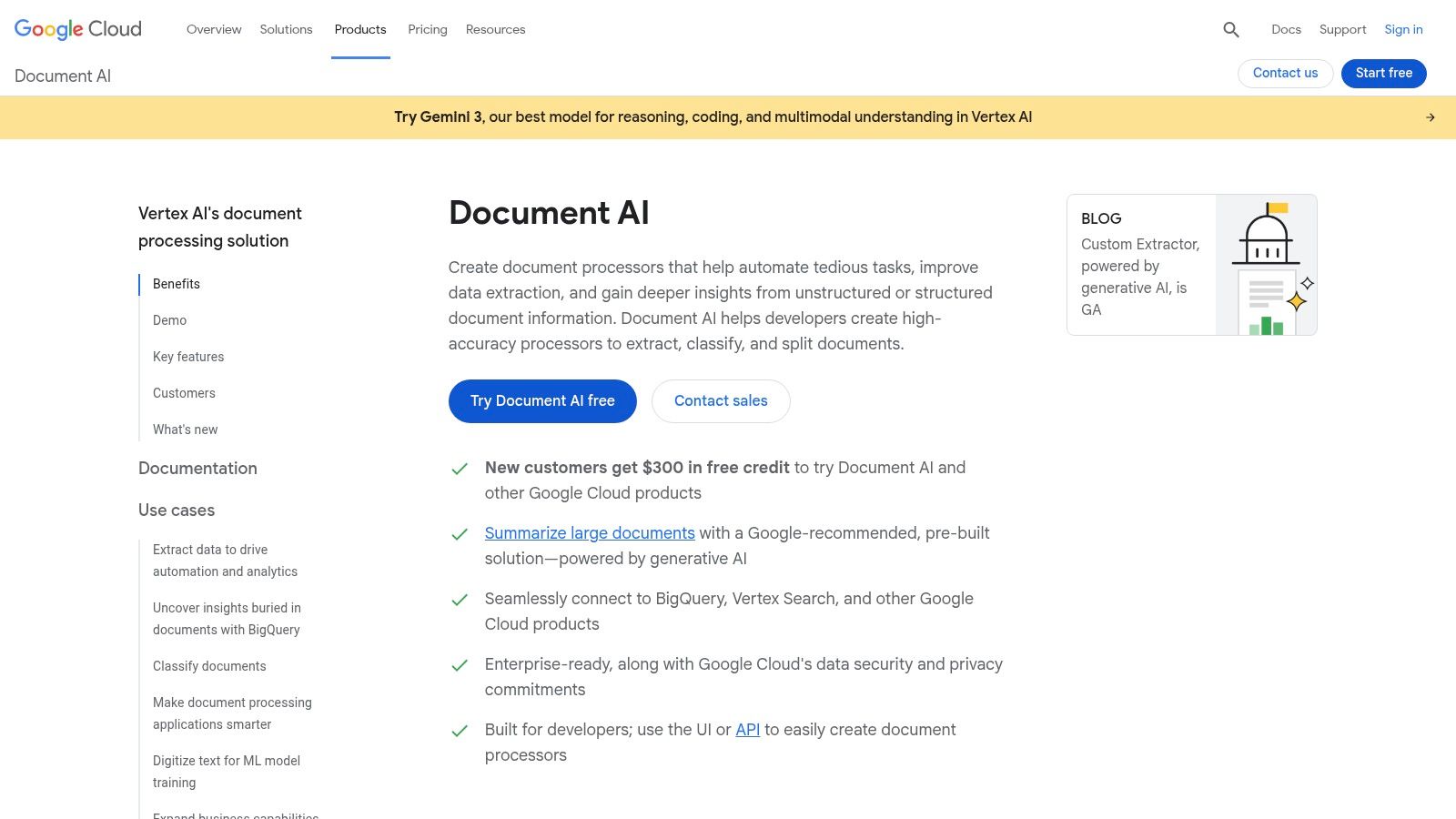
This platform is designed for businesses that require not just a simple invoice parser but a comprehensive solution that can be tailored to unique workflows. With options for both real-time (synchronous) and large-volume (batch) processing, it provides the flexibility needed for diverse operational scales, making it one of the most versatile invoice OCR software solutions for teams already invested in the Google Cloud environment.
Key Features & Ideal Use Cases
Google Cloud Document AI excels in scenarios requiring high accuracy and the ability to build custom extraction logic on top of pre-trained models. Its Invoice Parser is a powerful out-of-the-box tool, while the connection to Vertex AI unlocks advanced customization.
- Ideal For: Enterprises using the Google Cloud Platform, developers needing a scalable and customizable document AI solution, and businesses with diverse document types beyond just standard invoices.
- Core Functionality: Provides specialized processors for invoices and expenses, alongside tools for bank statements, W2s, and more, all accessible via a unified API.
| Feature | Details |
|---|---|
| Pricing Model | Per-page pricing, billed in 10-page blocks for the Invoice Parser. |
| Integration | Deep integration with Google Cloud services like Vertex AI and Cloud Storage. |
| Performance | Supports synchronous (real-time) and batch (asynchronous) processing. |
| Data Extraction | Pre-trained models for invoices and expenses, plus custom model training. |
Pros:
- Part of a robust AI and cloud tooling ecosystem for extensive customization.
- Transparent and well-documented per-page pricing for its specialized parsers.
- High accuracy from Google’s advanced machine learning models.
Cons:
- Synchronous processing is limited to 10 pages, requiring batch mode for larger documents.
- Pricing can become complex if using multiple specialized processors across a workflow.
Website: https://cloud.google.com/document-ai
5. Microsoft Azure AI Document Intelligence (Form Recognizer)
Microsoft Azure AI Document Intelligence, formerly known as Form Recognizer, is an enterprise-grade cloud service that provides powerful invoice OCR software capabilities. It stands out for its deep integration into the Microsoft ecosystem and flexible deployment options. The service offers a prebuilt invoice model designed to extract key fields, line items, and vendor details with high accuracy, alongside general-purpose document analysis and custom model training for unique requirements.
Its primary appeal for large organizations is its versatility. It can be consumed via a cloud API or deployed on-premises using containers for scenarios with strict data residency or low-latency needs. The free tier, which includes up to 500 pages per month, allows for thorough testing and development before committing to a paid plan, making it accessible for projects of any scale.
Key Features & Ideal Use Cases
Azure AI Document Intelligence is particularly effective for organizations already invested in the Microsoft Azure cloud or those requiring on-premises processing. Its ability to handle a wide range of documents beyond invoices, including receipts and tax forms, makes it a comprehensive solution.
- Ideal For: Enterprises building integrated automation workflows, developers leveraging the Microsoft Power Platform, and businesses needing on-premises or hybrid OCR processing.
- Core Functionality: Strong prebuilt models for invoices and receipts, with advanced features like query fields to refine extraction accuracy for specific, hard-to-capture data points.
| Feature | Details |
|---|---|
| Pricing Model | Tiered, pay-as-you-go pricing; free tier includes up to 500 pages per month. |
| Integration | Deep integration with Azure services (Logic Apps, Power Automate), plus a REST API. |
| Performance | Cloud and container deployment options to control for latency and data privacy. |
| Data Extraction | Prebuilt models for invoices, receipts, and various tax forms, with custom model training available. |
Pros:
- Flexible deployment options, including cloud and on-premises containers.
- Strong integration with the broader Microsoft ecosystem (Power Platform, etc.).
- Generous free tier is excellent for development and low-volume use cases.
Cons:
- Pricing can be complex to calculate without using the Azure calculator.
- Advanced features like query fields can add complexity to the initial setup.
Website: https://azure.microsoft.com/en-us/products/ai-document-intelligence
6. ABBYY Vantage
ABBYY Vantage is an enterprise-grade intelligent document processing (IDP) platform designed for large-scale, complex automation workflows. It stands out by offering pre-trained, production-ready "Skills" for invoice processing, which are often tailored to specific regions like the U.S., Canada, or Australia. This skill-based approach, combined with a marketplace for add-ons, allows large organizations to deploy sophisticated invoice OCR software with a high degree of customization and accuracy.
The platform is built for deep integration into enterprise ecosystems. It emphasizes human-in-the-loop validation, where a user can review and correct extracted data, and the system learns from these corrections to improve straight-through processing (STP) over time. This continuous learning capability is crucial for achieving high automation rates in diverse and high-volume invoice environments.
Key Features & Ideal Use Cases
Vantage excels in scenarios requiring robust data validation, such as matching invoice line items against purchase orders (PO) or general ledger (GL) codes before entry into an ERP system. Its architecture is designed to handle complexity that simpler API-based tools may not.
- Ideal For: Large enterprises with high invoice volumes, organizations requiring deep ERP integration and PO matching, and businesses needing a highly configurable platform with human validation loops.
- Core Functionality: Its main strength lies in its pre-trained regional invoice skills, marketplace of specialized tools (like document splitters), and powerful continuous learning engine.
| Feature | Details |
|---|---|
| Pricing Model | Quote-based; designed for enterprise-level budgets and deployments. |
| Integration | Produces ERP-friendly outputs and data catalogs for seamless integration. |
| Performance | Optimized for high-volume batch processing with human-in-the-loop support. |
| Data Extraction | Uses pre-trained Document Skills with deep domain and regional knowledge. |
Pros:
- Mature and highly accurate IDP vendor with deep invoice expertise.
- Ready-to-use skills significantly reduce initial training and setup time.
- Strong ecosystem with an active marketplace and extensive documentation.
Cons:
- Total cost of ownership is at an enterprise level and not suitable for SMBs.
- Implementation and integration can be complex and require significant resources.
Website: https://www.abbyy.com/vantage/
7. UiPath Document Understanding
UiPath Document Understanding is an enterprise-grade intelligent document processing (IDP) platform tightly integrated into its broader Robotic Process Automation (RPA) ecosystem. It moves beyond simple data extraction, providing a comprehensive framework for classifying, extracting, and validating information as part of a larger, orchestrated business process. This makes it a powerful choice for organizations already leveraging UiPath bots for accounts payable or other document-heavy workflows.
The platform’s core strength is its end-to-end automation capability. It uses a combination of pre-built models, customizable AI, multiple OCR engines, and human-in-the-loop validation to create resilient and scalable document processing solutions. This holistic approach makes it one of the best invoice OCR software solutions for large enterprises seeking deep integration and governance.
Key Features & Ideal Use Cases
UiPath is designed for complex, high-volume environments where document processing is just one step in a multi-system workflow. The human validation step, managed through UiPath Action Center, ensures high accuracy by routing exceptions to human operators for review and correction.
- Ideal For: Enterprises committed to the UiPath RPA platform, large-scale AP automation projects, and businesses requiring hybrid or on-premise deployment options for data security.
- Core Functionality: It excels at building sophisticated, rules-based workflows that combine OCR with business logic, system integrations, and human oversight.
| Feature | Details |
|---|---|
| Pricing Model | Complex, based on "AI Units," robot licenses, and Action Center usage. |
| Integration | Native integration with the entire UiPath RPA suite, Studio, and Orchestrator. |
| Performance | Highly scalable for enterprise workloads with robust exception handling. |
| Data Extraction | Utilizes pre-trained models, multiple OCR engines, and custom model training in AI Center. |
Pros:
- Excellent fit for organizations already invested in UiPath RPA.
- Flexible deployment and governance for enterprise IT (cloud, on-prem, hybrid).
- Rich community resources, pre-built templates, and extensive documentation.
Cons:
- Pricing and licensing (AI units, Action Center) can be complex and costly.
- May be overkill for simple API-only parsing needs without a broader RPA strategy.
Website: https://www.uipath.com/product/document-understanding
8. Rossum
Rossum is a cloud-native Intelligent Document Processing (IDP) platform designed specifically for transactional documents like invoices. It moves beyond simple OCR by providing a comprehensive, end-to-end accounts payable solution. The platform combines its proprietary Aurora Document AI with an ergonomic user interface for human validation, low-code automation, and direct integrations with major ERP systems, making it a powerful tool for enterprise-level AP teams.
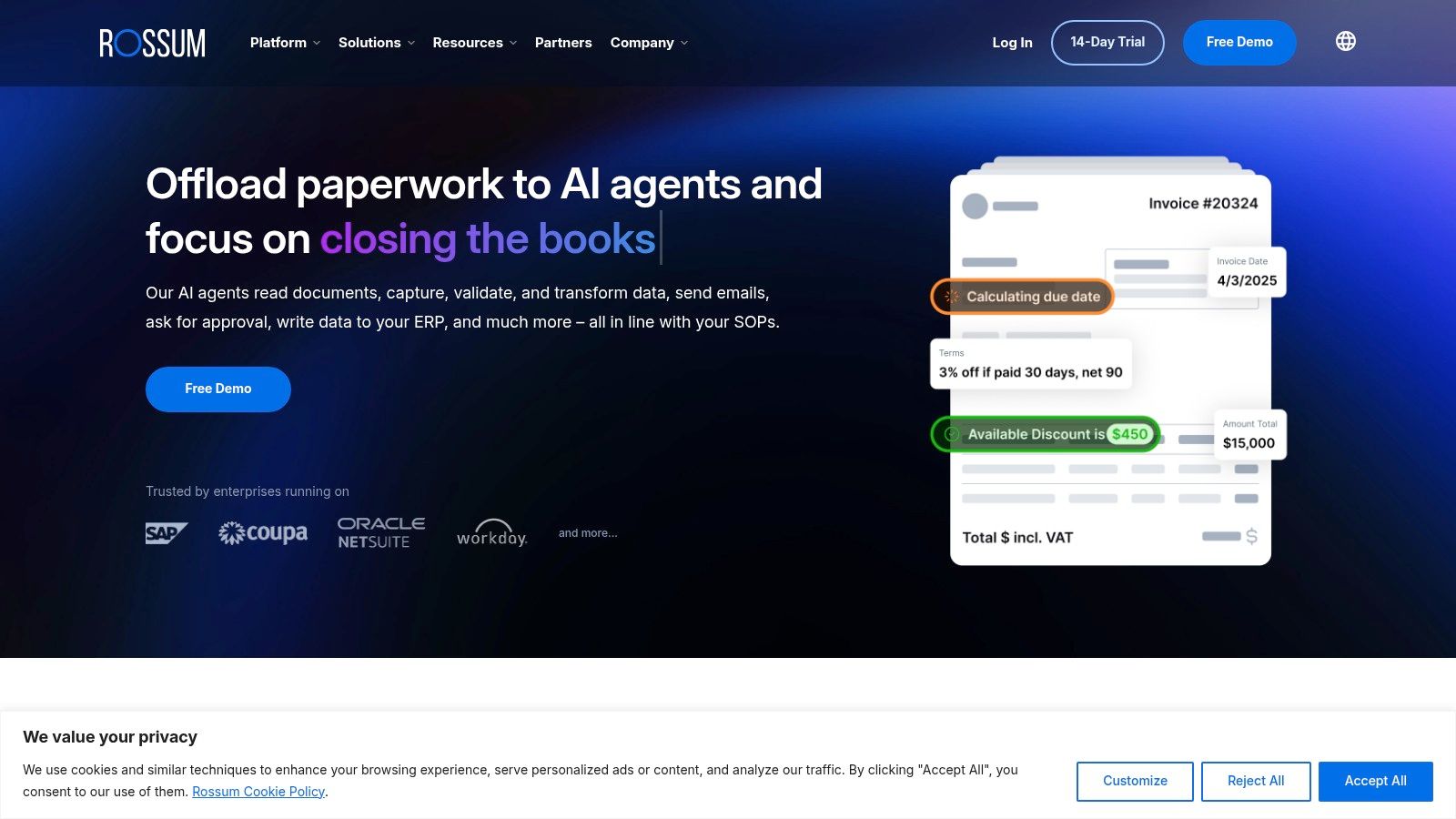
Its core strength lies in its workflow-centric approach. Rossum manages the entire process from document ingestion via email, API, or manual upload to the final export into an accounting system. This holistic design helps businesses streamline their entire invoice lifecycle, not just the data extraction step. For a deeper dive into this area, you can learn more about accounts payable automation best practices.
Key Features & Ideal Use Cases
Rossum is built for organizations looking to fully automate their AP department with a solution that includes human oversight. Its validation interface is a key differentiator, allowing accounting clerks to quickly confirm or correct AI-extracted data, which in turn trains the model for future improvements.
- Ideal For: Medium to large enterprises seeking a full-featured AP automation platform, companies with complex approval workflows, and businesses needing direct integration with ERPs like SAP or NetSuite.
- Core Functionality: It excels at managing the entire invoice processing workflow, including ingestion, AI-powered extraction, human-in-the-loop validation, and ERP synchronization.
| Feature | Details |
|---|---|
| Pricing Model | Annual subscription; starter tier has a published price with unlimited seats. |
| Integration | Direct ERP connectors (SAP, NetSuite, Dynamics), robust API. |
| Performance | Focuses on end-to-end workflow efficiency with human-in-the-loop validation. |
| Data Extraction | Advanced AI for transactional documents with continuous learning capabilities. |
Pros:
- Strong AP workflow focus with an excellent human validation interface.
- Starter tier offers a clear entry price and unlimited user seats.
- Built-in ERP connectors and reporting tools are ideal for finance departments.
Cons:
- Entry-level pricing starts in the five figures annually, which may be too high for many SMBs.
- The platform is more comprehensive and heavier than a simple OCR API for developer-only use cases.
Website: https://rossum.ai/
9. Veryfi (Invoice OCR API)
Veryfi is a developer-first OCR API platform specializing in high-speed, detailed data extraction from invoices and receipts. It is engineered for real-time processing and provides comprehensive JSON outputs, making it an excellent choice for developers embedding document intelligence into their applications. With a focus on security and compliance, including SOC 2 Type II, Veryfi caters to businesses that handle sensitive financial data and require reliable, auditable processing.
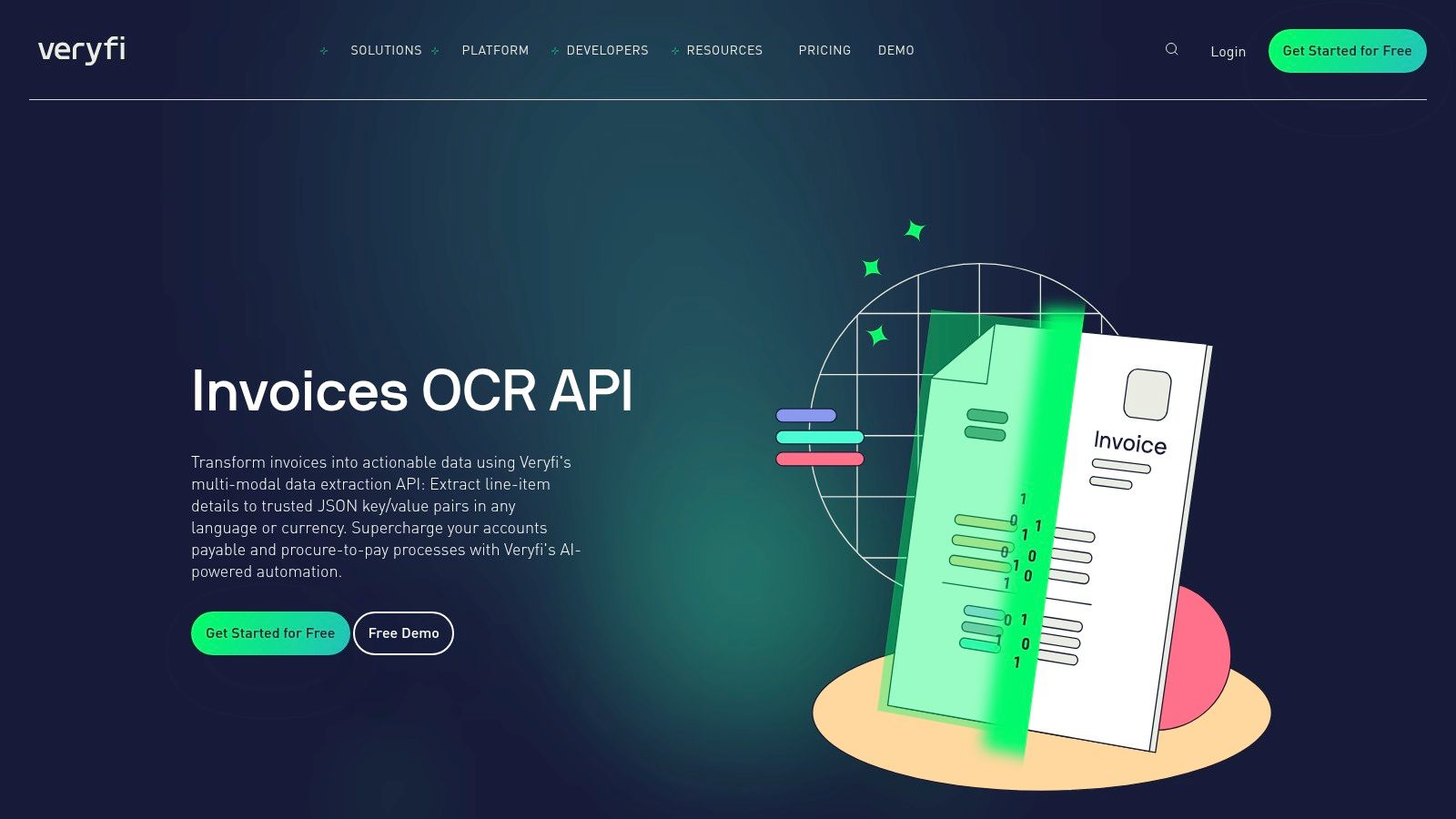
The platform’s primary strength lies in its API-centric design, supported by extensive SDKs and clear documentation that simplifies integration. A free tier and transparent, metered usage plans allow for easy testing and scalability, removing significant barriers for startups and established companies alike. This developer-friendly approach is central to its value proposition as a leading invoice OCR software.
Key Features & Ideal Use Cases
Veryfi is built for scenarios requiring instant data capture and structured output, such as mobile expense tracking or immediate accounts payable validation. Its ability to produce structured data makes it easier to convert PDF files to JSON format for system integration.
- Ideal For: Developers building financial apps, enterprise-level AP automation systems, and businesses needing a secure, compliant OCR solution for invoices and receipts.
- Core Functionality: It excels at rapid line-item extraction and provides highly detailed JSON payloads, including support for multiple languages and currencies.
| Feature | Details |
|---|---|
| Pricing Model | Free tier available, followed by metered usage with a monthly minimum plan. |
| Integration | API-first with extensive SDKs, clear documentation, and webhooks. |
| Performance | Real-time processing designed for speed and accuracy in financial workflows. |
| Data Extraction | Comprehensive invoice fields, line items, and multi-language support. |
Pros:
- Strong focus on developer experience with robust SDKs and documentation.
- SOC 2 Type II compliance provides a high level of security and trust.
- Free tier and transparent metered pricing make it easy to start and scale.
Cons:
- The starter plan's monthly minimum may not be ideal for very low-volume users.
- Page limits per transaction might require preprocessing for long, bundled documents.
Website: https://www.veryfi.com/invoice-ocr-api
10. Nanonets
Nanonets is an intelligent document processing platform that bridges the gap between powerful API-based invoice OCR and user-friendly, no-code workflows. It provides pre-trained models for invoices but stands out by allowing users to train custom models for unique document layouts or specific fields without writing a single line of code. This dual approach makes it an accessible yet robust tool for businesses seeking to automate accounts payable and other document-heavy processes.
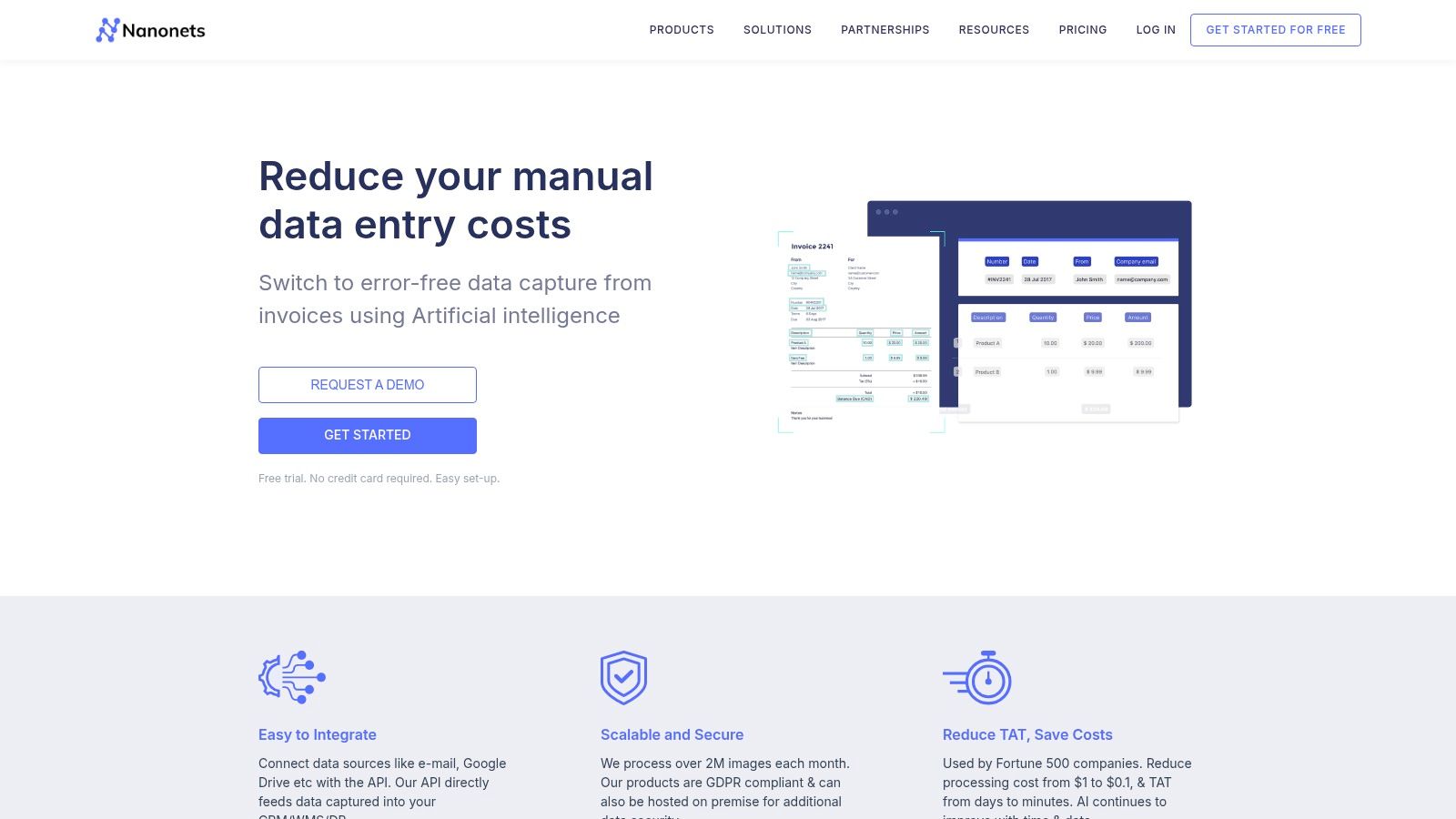
The platform is built for both technical and non-technical users. Business teams can use the intuitive UI to build, train, and manage data extraction workflows, while developers can leverage the well-documented REST API to integrate the same powerful models into their applications. With free credits on signup and a pay-as-you-go model, Nanonets offers a flexible entry point for companies of all sizes.
Key Features & Ideal Use Cases
Nanonets is particularly well-suited for organizations that deal with a high variety of invoice formats and need the ability to fine-tune extraction models over time. The visual workflow builder, which includes connectors for ERPs, accounting software, and cloud storage, allows for the creation of end-to-end AP automation solutions without extensive IT resources.
- Ideal For: Finance teams wanting to build custom automation workflows, businesses with non-standard invoice formats, and developers needing a trainable OCR API.
- Core Functionality: It excels at model customization and workflow automation, enabling users to train models for specific fields and connect the extracted data directly to downstream systems.
| Feature | Details |
|---|---|
| Pricing Model | Pay-as-you-go with free credits on signup; volume discounts available. |
| Integration | REST API and a no-code workflow builder with pre-built connectors. |
| Performance | High accuracy with pre-built models and the option for custom training. |
| Data Extraction | Extracts key fields, line items, and supports custom field training. |
Pros:
- Balanced for both business users (no-code) and developers (API).
- Supports custom model training for higher accuracy on unique layouts.
- Flexible pricing with a free tier to start.
Cons:
- Pay-as-you-go credit-based pricing can require usage estimation.
- Advanced enterprise features may require moving to a sales-assisted plan.
Website: https://nanonets.com/invoice-ocr/
11. Klippa DocHorizon
Klippa DocHorizon is an intelligent document processing (IDP) platform that offers a powerful and secure invoice OCR solution, with a strong focus on the European market. It stands out for its emphasis on GDPR compliance and data residency, allowing customers to choose specific server locations to meet stringent regulatory requirements. The platform provides both a user-friendly interface for manual processing and a suite of developer tools, including a well-documented API and mobile SDKs, for seamless integration.
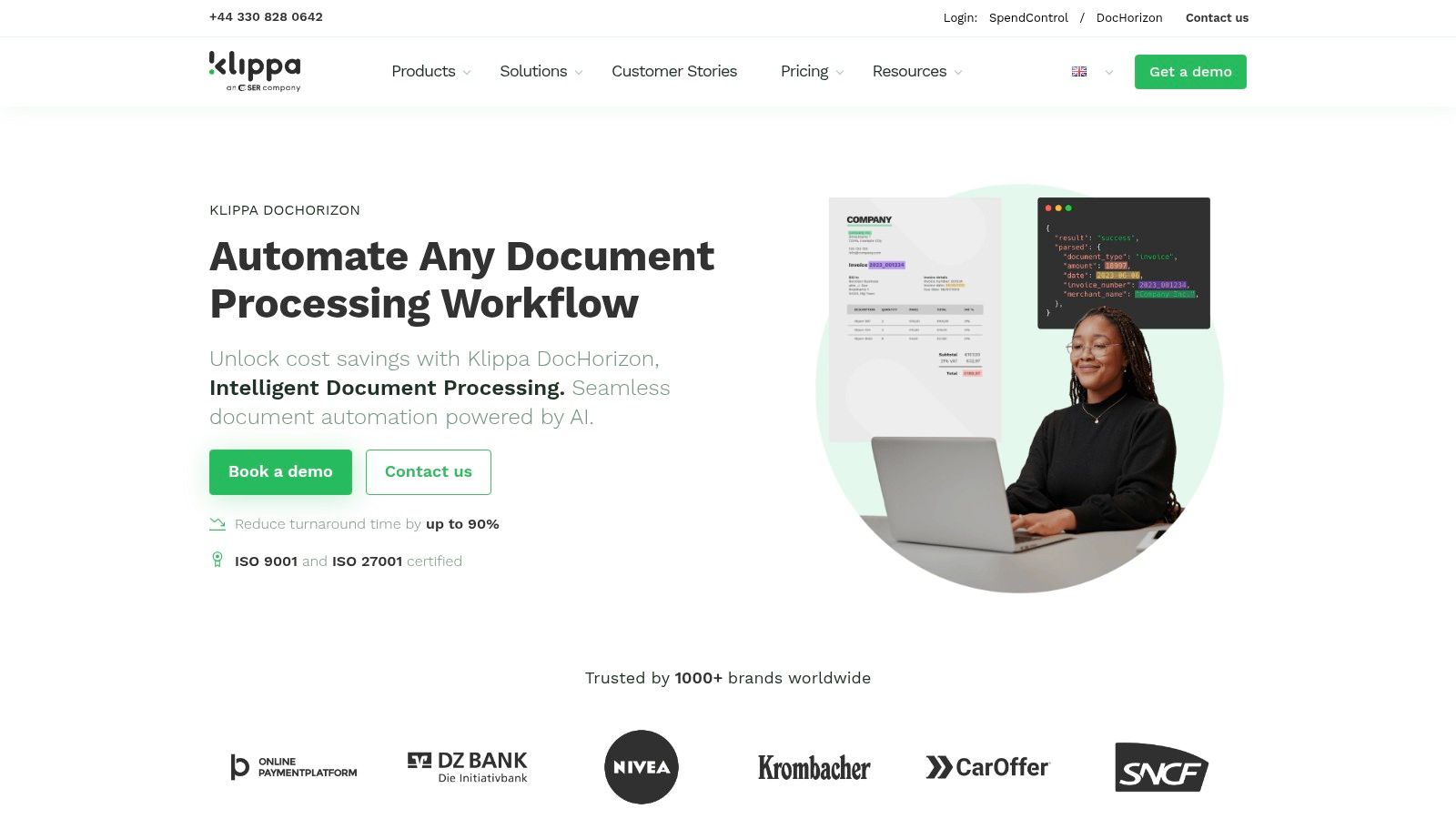
This flexibility makes Klippa one of the best invoice OCR software options for companies operating under strict data privacy laws. Its high accuracy claims, combined with broad language support and even handwriting recognition capabilities, make it a versatile tool for international organizations needing to process diverse document formats from various regions.
Key Features & Ideal Use Cases
Klippa is particularly well-suited for businesses that prioritize security and compliance or need to build custom mobile document capture applications. The availability of SDKs enables developers to embed scanning and data extraction functionality directly into their own apps, creating a seamless user experience.
- Ideal For: European businesses with strict GDPR needs, developers building custom mobile scanning apps, and enterprises requiring specific server hosting locations for data processing.
- Core Functionality: Excels at high-accuracy data extraction across multiple languages, offering robust security features and extensive developer tools for custom implementations.
| Feature | Details |
|---|---|
| Pricing Model | Quote-based subscriptions tied to document volume. |
| Integration | Developer-friendly REST API and mobile SDKs with clear documentation. |
| Performance | High recognition accuracy with support for multiple languages. |
| Data Extraction | Extracts key fields, line items, and tables; claims handwriting support. |
Pros:
- Strong security posture with GDPR compliance and flexible server hosting.
- Developer-friendly with a robust API and mobile SDKs for custom apps.
- Broad language and document format support.
Cons:
- Pricing is quote-based, which can be less transparent than fixed models.
- Primarily EU-hosted; U.S. data residency may require specific confirmation.
Website: https://www.klippa.com/en/dochorizon/
12. AutoEntry (by Sage)
AutoEntry, part of the Sage ecosystem, is a data capture solution designed specifically for accountants, bookkeepers, and small businesses. It moves beyond simple OCR to offer a streamlined workflow for processing invoices, receipts, and bank statements directly into major accounting software like Sage, QuickBooks, and Xero. The platform emphasizes ease of use, allowing users to submit documents via email or a mobile app, automating the tedious data entry associated with bookkeeping.
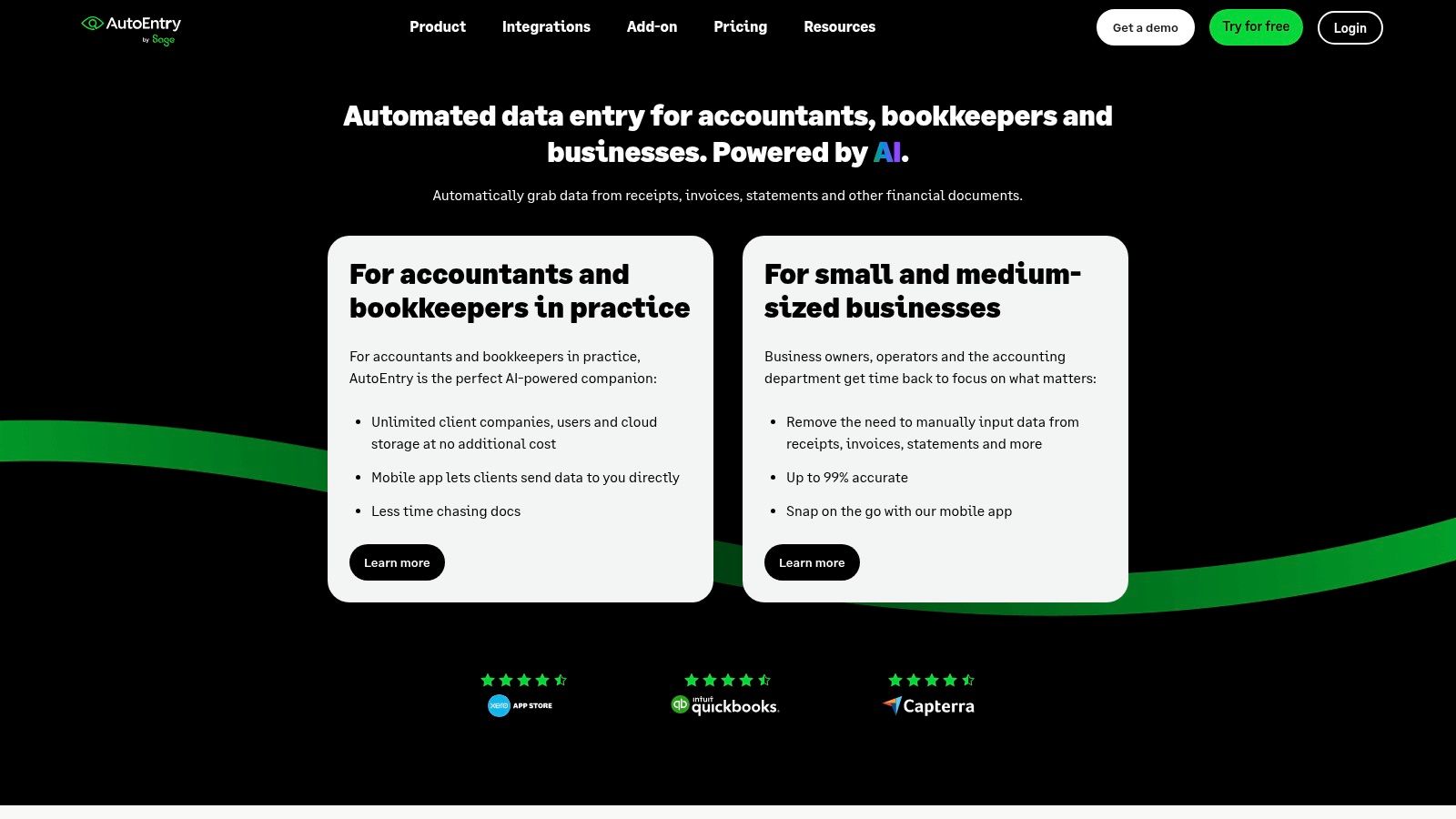
Its core appeal lies in its integration-first approach and a simple, credits-based pricing model. This makes it an accessible choice for small teams looking to eliminate manual data entry without investing in a complex, developer-heavy platform. The inclusion of unlimited users and credits that roll over provides flexibility and predictable costs for growing businesses.
Key Features & Ideal Use Cases
AutoEntry is most effective for businesses and accounting professionals whose primary goal is to feed transactional data directly into their accounting system. Its strength is not in providing a raw OCR API but in managing the end-to-end bookkeeping data capture process.
- Ideal For: Accountants, bookkeepers, and SMBs using integrated accounting software like Sage or QuickBooks who need to automate document data entry.
- Core Functionality: Excels at capturing key fields and line items from financial documents and pushing them directly into accounting platforms, minimizing manual intervention.
| Feature | Details |
|---|---|
| Pricing Model | Monthly subscription based on credits; unused credits roll over. |
| Integration | Direct, deep integrations with Sage, Xero, QuickBooks, and others. |
| Performance | Focus is on workflow automation rather than pure processing speed. |
| Data Extraction | Captures invoices, receipts, and bank statements with line-item detail. |
Pros:
- Very affordable entry-level plans suitable for small teams and bookkeepers.
- Simple, predictable credits-based model with rollover for unused credits.
- Excellent for bookkeeping workflows due to its direct accounting integrations.
Cons:
- Less developer-centric; not ideal for custom solutions requiring a flexible API.
- More focused on bookkeeping workflows than highly-customizable data extraction.
Website: https://www.autoentry.com/
Top 12 Invoice OCR Tools — Feature Comparison
| Solution | Core features | Speed & accuracy | Pricing & value | Best for / Target audience | Unique selling points & notes |
|---|---|---|---|---|---|
| ExtractBill (Recommended) | AI Vision; parses 50+ invoice/receipt types; line-item & table extraction; REST API + webhooks; drag‑and‑drop UI | Typical 2–5s per doc; claims 99.9% accuracy; parallel processing, real‑time webhooks | $0.11 per extraction; 3 free docs; pay‑as‑you‑go; no subscription; token money‑back | SMBs, finance teams, developers building AP/expense automation | Developer-friendly integration, standardized JSON, transparent pricing; 10MB file limit; no public SOC2 listed |
| Amazon Textract (AWS) | OCR + AnalyzeExpense; forms, tables & queries; tight AWS ecosystem integrations (S3, Lambda) | Enterprise-grade scaling and regional availability; high reliability | Per-page pricing (tiered); free-tier allowances; pricing can be complex | Large enterprises, AWS customers, large-scale cloud workflows | Deep AWS integration and compliance; potential cloud lock-in; needs AWS setup |
| Google Cloud Document AI | Pretrained Invoice & Expense processors; general OCR; Vertex AI integration; custom processors | Batch & sync modes (sync ≤10 pages); strong accuracy for structured docs | Per-document pricing (10‑page blocks); transparent examples | Data teams, Google Cloud users, custom-model workflows | Strong AI tooling and Vertex integration; multiple specialized processors |
| Microsoft Azure AI Document Intelligence | Prebuilt invoice & receipt models; Read/OCR, layout, custom extraction; container/cloud deploy | Free tier (up to 500 pages/month) for testing; enterprise accuracy | Public pricing via Azure calculator/quotes; can require estimator | Enterprises, Microsoft ecosystem users, on‑prem/container needs | Cloud + container deployments; Power Platform & Logic Apps integration |
| ABBYY Vantage | Pretrained regional Invoice skills; marketplace add-ons; human‑in‑the‑loop; ERP outputs | Mature IDP with high accuracy in production deployments | Quote-based enterprise pricing; higher TCO | Large enterprises with complex IDP needs and ERP integration | Marketplace of skills, continuous learning, strong invoice domain coverage |
| UiPath Document Understanding | RPA-integrated document automation; multiple OCR engines; validation stations | Robust for RPA workflows; human validation reduces exceptions | Complex licensing (AI units, Action Center); enterprise costs | Organizations invested in UiPath RPA and automation | Seamless RPA + IDP integration; strong governance & model ops |
| Rossum | Cloud IDP focused on invoices; API/email/manual ingestion; ergonomic validation UI; ERP connectors | Strong AP workflow accuracy with human-in-loop validation | Entry pricing starts high (five-figure ARR); enterprise-focused | Mid to large AP teams and enterprises | ERP connectors, low-code automation, archive/search & reporting |
| Veryfi (Invoice OCR API) | API-first invoice/receipt extraction; mobile capture lens; SDKs; SOC 2 Type II | Fast extraction; detailed JSON; multi-language & currency support | Published API pricing and calculator; free tier; starter monthly minimums | Developers, mobile capture use cases, compliance-conscious teams | SOC2 compliance, SDKs and sample JSON, clear pricing tools |
| Nanonets | No-code/low-code workflow builder + API; custom field training; connectors | Flexible accuracy with training; supports line-item extraction | Free credits on signup; pay-as-you-go with volume discounts | Business users + developers needing custom training | Easy custom training and workflow builder; credit-based pricing model |
| Klippa DocHorizon | Invoice OCR API/SDK; GDPR-compliant options; server location choice; handwriting support | High recognition claims; multi-language & handwriting handling | Quote-based subscription by volume; EU-first pricing model | EU companies requiring data residency/GDPR compliance | Hosting location choice, strong EU security stance; confirm US residency needs |
| AutoEntry (by Sage) | OCR capture for invoices/receipts/bank statements; credits-based plans; email/mobile capture; exports to accounting apps | Good for SMB/bookkeeping flows; line-item capture for common formats | Credits with rollover; affordable entry plans; unlimited users | Small businesses, bookkeepers, accountants using QuickBooks/Xero/Sage | Direct accounting integrations, SMB-friendly pricing; less API/developer focus |
Making Your Final Decision: Which Invoice OCR Software Is Right for You?
Navigating the landscape of invoice OCR software can feel overwhelming, but the extensive analysis in this guide should illuminate the path forward. We've explored a dozen powerful solutions, from developer-centric APIs to comprehensive enterprise platforms, each with a unique profile of strengths and ideal use cases. The central takeaway is clear: the best invoice OCR software is not a one-size-fits-all product. Instead, it's the one that aligns perfectly with your organization's specific technical resources, workflow requirements, and budget.
Your journey began with a need to eliminate the soul-crushing, error-prone task of manual data entry. Now, armed with detailed comparisons, you can make an informed choice that delivers a tangible return on investment. The key is to look beyond marketing claims and focus on the practical realities of implementation and daily use.
Recapping the Core Contenders
We saw how API-first solutions like ExtractBill and Veryfi offer incredible flexibility and speed for developers building custom applications or integrating OCR into existing software. Their straightforward, pay-as-you-go models remove the barrier to entry for small and mid-sized businesses.
For organizations already vested in a major cloud ecosystem, the native solutions from the tech giants are compelling. Amazon Textract, Google Document AI, and Microsoft Azure AI Document Intelligence provide robust, scalable infrastructure. However, they often require more development expertise to fine-tune and integrate, potentially leading to higher implementation costs despite competitive per-page pricing.
On the other end of the spectrum, comprehensive platforms like ABBYY Vantage, Rossum, and UiPath Document Understanding are designed for large-scale enterprise automation. They offer sophisticated workflow management, human-in-the-loop validation, and governance features, making them ideal for complex accounts payable departments. Their power, however, comes with significant price tags and a steeper learning curve.
A Practical Framework for Your Decision
To pinpoint the right tool, move from a general understanding to a specific, need-based evaluation. Answering these questions will guide you to the perfect fit.
-
Who is the primary user?
- Developers: Prioritize tools with excellent API documentation, SDKs, and webhook support. ExtractBill, Textract, and Veryfi are top choices.
- Accountants/Bookkeepers: Look for user-friendly interfaces, seamless integrations with accounting software (like QuickBooks or Xero), and minimal setup. AutoEntry and Klippa are strong contenders here.
- Enterprise AP Teams: You need a platform with robust workflow automation, user roles, and audit trails. Rossum, ABBYY, and UiPath are built for this scale.
-
What is your most critical requirement?
- Highest Accuracy (Especially Line Items): If precision is non-negotiable, focus on solutions that excel in table extraction and complex document parsing. ExtractBill and Nanonets consistently demonstrate high accuracy in this area.
- Speed and Throughput: For real-time processing needs, an API-first solution is almost always superior. Evaluate the API response times of your shortlisted candidates.
- Ease of Implementation: If you lack a dedicated IT team, a solution with a simple UI and pre-built integrations will save you immense time and frustration.
-
What does your budget look like?
- Predictable, Usage-Based: Pay-as-you-go models offer the most transparency and scale with your needs. This is the hallmark of API-first tools.
- All-Inclusive Subscription: If you prefer a fixed monthly or annual cost that includes support and a set volume of documents, platforms like Rossum or Nanonets might be a better fit.
- Enterprise Contract: For large-scale deployments, be prepared for custom enterprise pricing, which often involves significant upfront costs and long-term commitments.
Ultimately, choosing the best invoice OCR software is an investment in efficiency, accuracy, and growth. By automating a core business process, you free up valuable human capital to focus on strategic initiatives rather than tedious data entry. The right tool will not only save you money but also provide cleaner data, faster payment cycles, and deeper insights into your business's financial health.
Ready to see how a purpose-built, developer-first API can transform your invoice processing workflow? ExtractBill was designed from the ground up to deliver exceptional accuracy and speed without the complexity of larger platforms. Start processing invoices in minutes with our transparent pay-as-you-go pricing and robust API by signing up for a free account at ExtractBill.
Ready to automate your documents?
Start extracting invoice data in seconds with ExtractBill's AI-powered API.
Get Started for Free